
Read our Sigma BF review for owner feedback, pros, cons,...
Read More
Fujifilm X-H2 Review 2026: 40.2MP APS-C Power for Hybrid Creators
25-June-2026 / Content written by Humna!
Chapters
The Fujifilm X-H2’s 40.2MP sensor promises more detail and greater cropping flexibility, but it also puts more pressure on your lenses, storage, and editing workflow.
Built for photographers and hybrid creators, the X-H2 combines high-resolution image quality with advanced video features. The real question is whether those upgrades make a noticeable difference in everyday shooting compared to previous Fujifilm cameras.
In this review, we’ll look at its image quality, autofocus, video performance, and workflow demands to see where the X-H2 excels and whether it’s the right fit for your needs.
Quick Answer
The Fujifilm X-H2 is a strong APS-C choice for photographers and hybrid creators who want high-resolution detail, serious video features, and comfortable handling.
Its 40.2MP sensor is best for landscape, product, studio, commercial, architecture, portraits, and heavy-cropping work. It also offers 8K video, 10-bit recording, ProRes, F-Log2, IBIS, and a body built for long shoots.
It is less ideal for sports, wildlife, birds, or fast action. For those users, the X-H2S is the better choice because it prioritizes speed and faster sensor readout.
Best for:
Landscape, product, studio, commercial, architecture, portraits, travel, and hybrid creators.Skip it if:
You mainly shoot fast action, rarely crop, only post online, or want smaller files and a lighter workflow.Overall rating:
4.5/5
This review is based on photographer discussions, user feedback, expert opinions, official specifications, and publicly available information from photography communities and trusted publications. The goal is not to sell the Fujifilm X-H2 blindly, but to give a balanced view of its strengths, limitations, and real-world ownership experience.
How This Camera Was Evaluated

This review combines official Fujifilm specifications, firmware documentation, long-term user feedback, and real-world performance analysis. We focused on image quality, autofocus, video performance, handling, lens demands, storage workflow, battery life, and whether the X-H2 still makes sense for photographers and hybrid creators in 2026.
Where possible, claims are checked against Fujifilm’s official specifications and firmware notes. Real-world recommendations are based on how the camera performs for common use cases such as landscapes, studio work, product photography, portraits, travel, commercial assignments, and hybrid photo/video shoots.
| Feature | Fujifilm X-H2 |
|---|---|
| Sensor | 40.2MP APS-C X-Trans CMOS 5 HR |
| Processor | X-Processor 5 |
| Lens Mount | Fujifilm X mount |
| ISO Range | ISO 125–12,800 standard, expandable to ISO 64–51,200 for stills |
| Image Stabilization | 5-axis in-body image stabilization, up to 7 stops |
| Mechanical Shutter | Up to 1/8000 sec |
| Electronic Shutter | Up to 1/180000 sec |
| Continuous Shooting | Up to 15fps mechanical shutter, up to 20fps electronic shutter with crop |
| Autofocus | Hybrid AF with subject detection |
| Subject Detection | Animals, birds, automobiles, motorcycles/bikes, airplanes, and trains |
| Video | 8K up to 29.97p, 6.2K up to 29.97p, 4K up to 59.94p, Full HD high-speed up to 240p |
| Internal Recording | 10-bit video, H.265, H.264, Apple ProRes 422 HQ/422/422 LT |
| Card Slots | One CFexpress Type B slot and one UHS-II SD slot |
| Viewfinder | 5.76-million-dot OLED EVF, 0.80x magnification |
| Rear Screen | 3.0-inch vari-angle touchscreen LCD |
| Pixel Shift | 160MP Pixel Shift Multi Shot |
| Battery | NP-W235 |
| Weather Sealing | Yes |
Fujifilm X-H2 Pros and Cons
Pros
- Excellent 40.2MP detail
- Strong cropping flexibility
- Comfortable grip and pro-style body
- Useful IBIS
- 8K, 4K, ProRes, F-Log2
- Strong hybrid photo/video feature set
- Good Fujifilm color and Film Simulations
Cons
- Larger files than 26MP Fujifilm bodies
- More demanding on lenses and storage
- Larger than X-T series cameras
- Rolling shutter can appear in fast action/video
- ProRes requires CFexpress Type B
- X-H2S is better for sports/wildlife/action
- Not every user needs 40.2MP
Who the Fujifilm X-H2 Is For
The Fujifilm X-H2 is best suited for photographers and creators who prioritize detail, cropping flexibility, and high-resolution output. Its 40.2MP sensor shines in landscapes, product photography, studio work, and commercial projects, while also making it a capable hybrid camera for both photos and video.
If you’re already invested in Fujifilm, the X-H2 delivers a meaningful upgrade without requiring a switch to a new lens system. Simply put, it’s built for creators who want maximum detail from an APS-C camera.
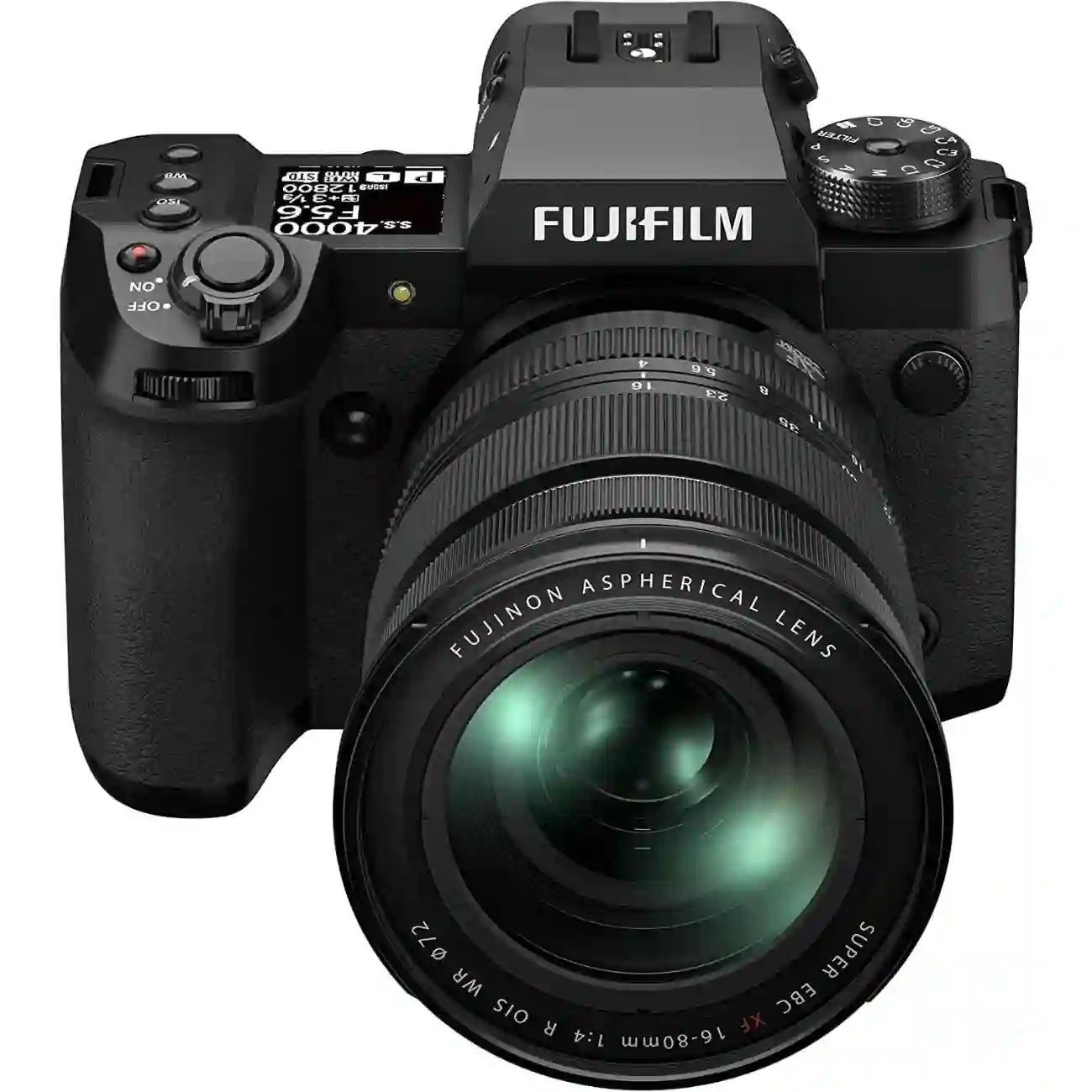
Fujifilm X-H2
Who Should Skip the Fujifilm X-H2
The X-H2 isn’t for everyone. If you mainly shoot sports, wildlife, or other fast-moving subjects, the X-H2S is usually the better fit. The X-H2 also makes less sense if most of your photos end up on social media or are rarely printed large, where the extra resolution is harder to appreciate.
Keep in mind that 40MP files require more storage, processing power, and capable lenses. If you don’t regularly benefit from the added detail and cropping flexibility, a different camera may be the smarter choice.
If you are still comparing other options, our best cameras guide can help you find a better fit based on your shooting style, budget, and workflow.
The Full-Frame Question: Should You Buy a Full-Frame Camera Instead?
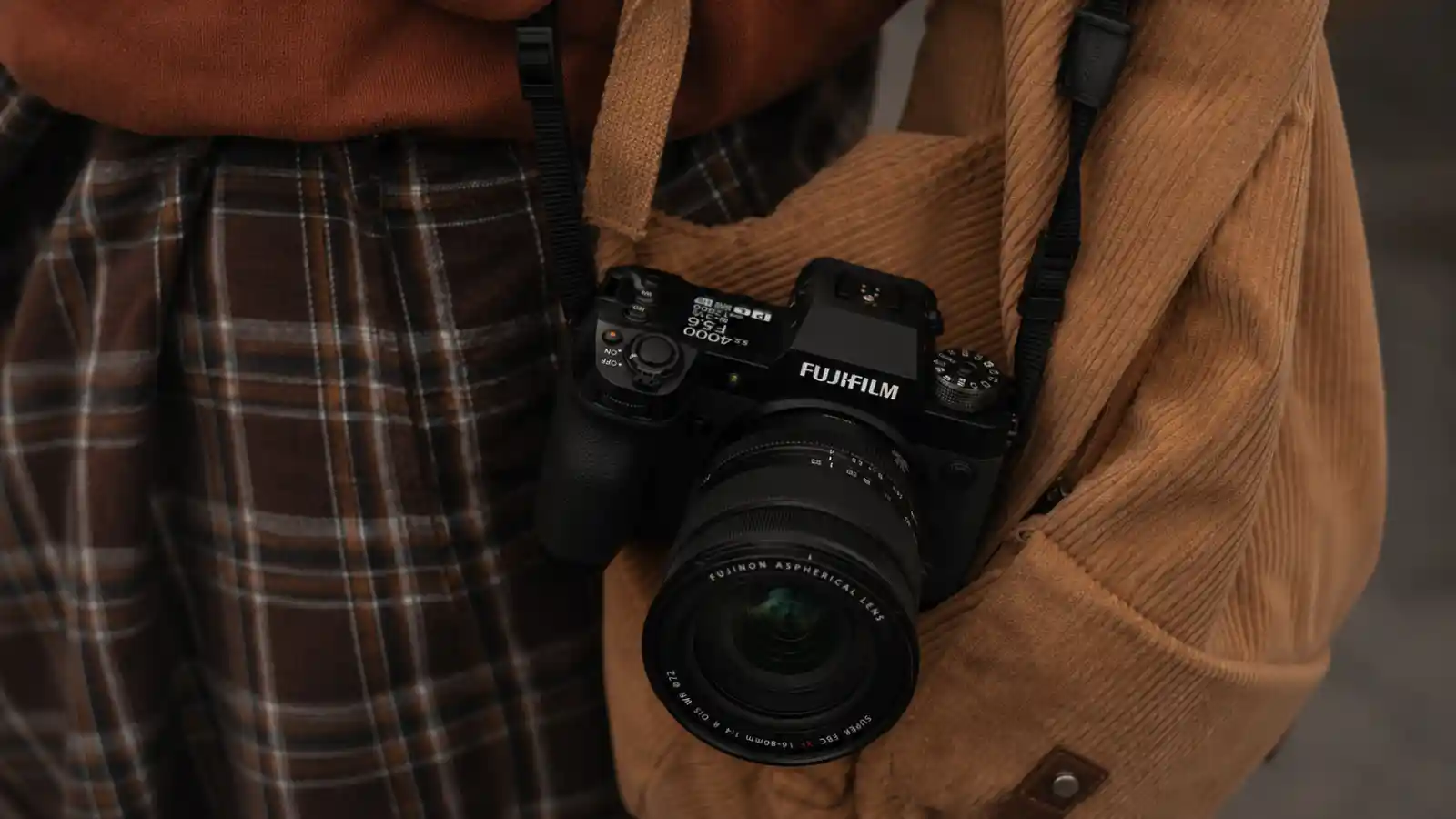
Full-frame cameras still have an advantage in low-light photography and creating stronger background blur.
That said, for landscapes, travel, product photography, studio work, commercial projects, and most hybrid workflows, the Fujifilm X-H2 delivers exceptional detail, plenty of cropping flexibility, and enough resolution for large prints and client work.
If you already own Fujifilm XF lenses, the X-H2 also lets you upgrade without the cost of switching systems.
Fujifilm X-H2 vs X-H2S: Which One Should You Buy?
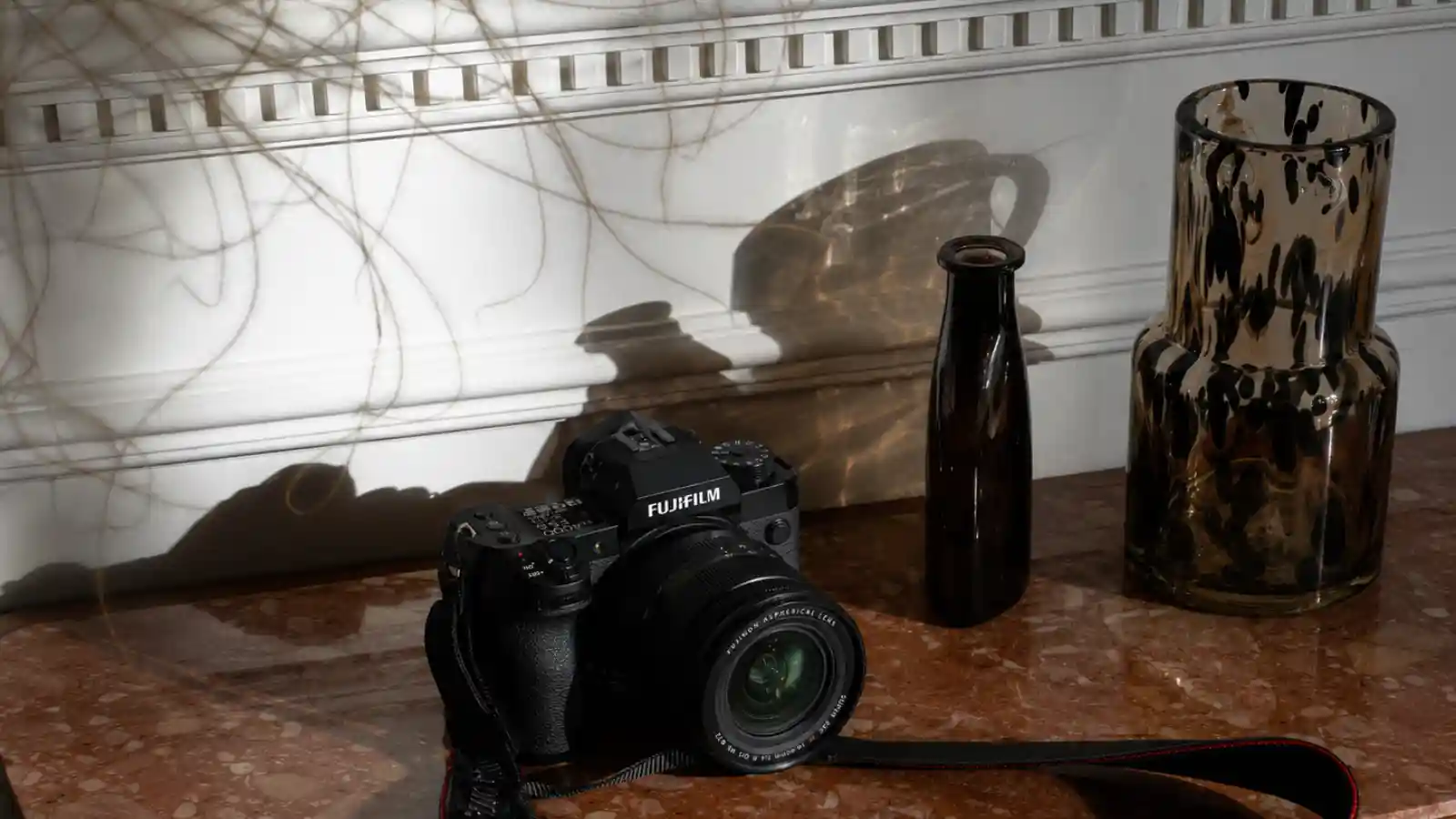
For many Fujifilm users, the real decision is not full frame versus APS-C. It’s choosing between the X-H2 and X-H2S.
While the two cameras share many features, they are built for different types of photographers. The X-H2 prioritizes resolution, while the X-H2S prioritizes speed.
If your work benefits from maximum detail, cropping flexibility, and high-resolution files, the X-H2 is the better fit. If you primarily shoot sports, wildlife, or fast action, the X-H2S is the stronger choice.
| Category | Fujifilm X-H2 | Fujifilm X-H2S |
|---|---|---|
| Main strength | Resolution and detail | Speed and responsiveness |
| Sensor priority | 40.2MP high-resolution sensor | Faster stacked sensor |
| Best for | Landscapes, products, studio, commercial work, architecture, portraits | Sports, wildlife, birds, fast action, events |
| Cropping flexibility | Better | Lower than X-H2 |
| Rolling shutter control | Weaker than X-H2S | Better |
| Burst/action work | Good, but not the main strength | Stronger choice |
| Best buyer | Detail-focused creator | Speed-focused shooter |
Quick Verdict:
Simple buying advice: choose the X-H2 if detail, resolution, cropping flexibility, and hybrid image quality matter most. Choose the X-H2S if your work depends on speed, tracking, burst shooting, and reduced rolling shutter.
Find Your Match
Which Camera Fits You Best?
Answer a few quick questions and see whether the Fujifilm X-H2 is the right fit for your shooting style.
Question 1 of 3
What do you shoot most?
Question 2 of 3
What matters more to you?
Question 3 of 3
What frustrates you more?
✓
Fujifilm X-H2
Ergonomics, Build Quality, and Handling
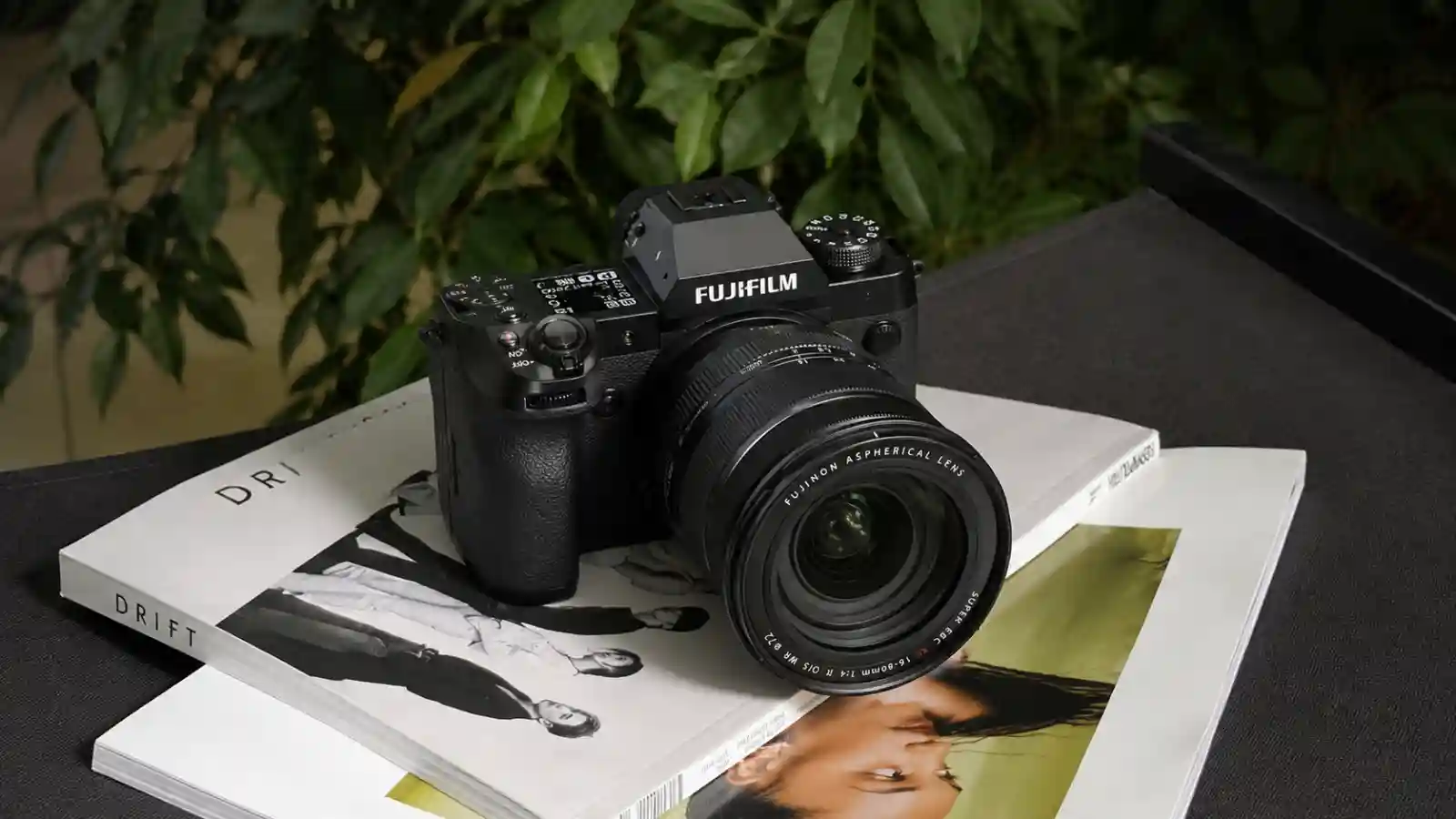
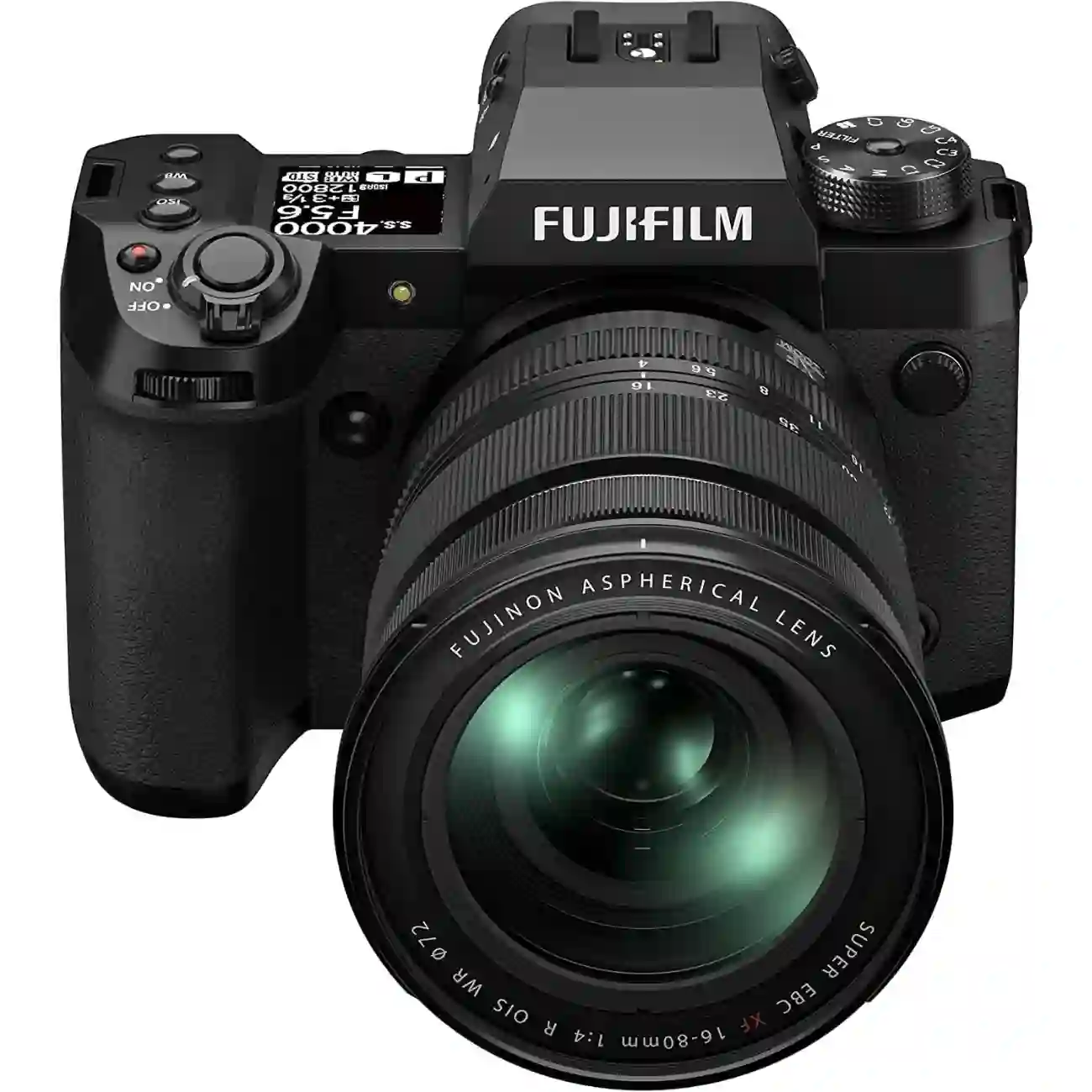
The Fujifilm X-H2 has a larger, more modern body than many Fujifilm X Series cameras. Its deeper grip, solid build, top LCD, and customizable controls make it especially useful for long shoots and hybrid photo/video work.
It is not the smallest Fujifilm body, but it is one of the more comfortable options if you regularly use larger lenses or shoot for long periods.
Body Design and Grip:
One of the X-H2’s biggest strengths is its handling. The larger body, deeper grip, and vari-angle touchscreen make it comfortable for long photo or video sessions, whether you’re self-recording or shooting from difficult angles.
The deeper grip also balances larger lenses such as the XF 16-55mm f/2.8 and XF 50-140mm f/2.8 more comfortably, making the camera feel more secure and less front-heavy.
Who Will Appreciate the Larger Body?
The X-H2’s body design is most useful for photographers and creators who:
- Use larger Fujifilm XF lenses
- Shoot for long periods
- Switch often between photo and video
- Prefer a deeper grip
- Want a more stable handheld setup
- Need quick access to important settings
If you mostly use compact primes and want the lightest possible setup, the X-T series may still feel more natural.
X-H2 vs X-T Series Handling
The X-H2 feels very different from cameras like the X-T3, X-T4, or X-T5.
The X-T series uses Fujifilm’s traditional dial-based layout with dedicated exposure controls. The X-H2 takes a more modern approach with a deeper grip, a top LCD display, and more video-friendly controls.
| Feature | X-H2 | X-T Series |
|---|---|---|
| Body Style | Larger, modern hybrid body | Smaller, classic Fujifilm design |
| Grip | Deeper and more secure | Smaller and more compact |
| Controls | Custom buttons, top LCD, PASM-style handling | Traditional exposure dials |
| Best For | Hybrid work, larger lenses, long shoots | Travel, street, compact setups |
| Main Advantage | Comfort and practicality | Portability and classic controls |
If you prefer traditional Fujifilm dials and a smaller body, the X-T series may be the better fit.
If comfort, stability, and hybrid shooting matter more, the X-H2 is usually the more practical choice.
Build Quality
The X-H2 feels solid and well built.
Buttons, dials, ports, and access doors feel sturdy enough for serious daily use. The camera gives a professional feel without becoming overly bulky.
Build quality is a strong point if you shoot:
- Travel
- Events
- Studio work
- Commercial projects
- Outdoor photography
- Hybrid photo and video assignments
Despite its larger size, the X-H2 still feels manageable for location work and everyday shooting.
Weather Sealing
The X-H2 includes weather sealing, which adds protection when shooting in difficult conditions.
This can be useful for:
- Light rain
- Dusty locations
- Outdoor travel
- Landscape photography
- Changing weather conditions
No weather-sealed camera is fully waterproof or dustproof, so care is still needed. For the best protection, pair the X-H2 with a weather-sealed Fujifilm XF lens.
Controls and Menu Navigation
For hybrid creators, the full-size HDMI port is another practical advantage because it is more secure than smaller HDMI connections when using external monitors or recorders.
The X-H2 makes it easy to access important settings without constantly digging through menus.
Useful controls include:
- Customizable buttons
- Front and rear command dials
- Focus joystick
- Quick Menu
- My Menu
- Top LCD display
The joystick is especially helpful for moving focus points quickly. The top LCD is also useful because it lets you check key settings at a glance.
Customization Options
Fujifilm gives the X-H2 plenty of customization options.
You can assign frequently used settings to custom buttons, the Quick Menu, or My Menu.
Useful settings to customize include:
- Autofocus mode
- Subject detection
- Drive mode
- Film Simulations
- White balance
- Video settings
- Face and eye detection
- Image stabilization options
This makes the camera faster to use once it is set up properly.
Learning Curve
The X-H2 is highly customizable, which is both a strength and a weakness.
New Fujifilm users may need some time to learn the menus and decide which controls to customize.
The good news is that most of this setup only needs to be done once. After that, daily use becomes much faster and more straightforward.
Does the Larger Body Make Sense?
The X-H2 is larger than many Fujifilm cameras, but the size has real benefits.
The larger body helps with:
- Better grip comfort
- Improved balance with bigger lenses
- Easier handheld video work
- More stable long shooting sessions
- Faster access to settings
- Better hybrid photo/video handling
In simple terms, the X-H2’s body makes the most sense for users who value comfort and control more than minimum size.
Handling Verdict
The Fujifilm X-H2 isn’t the most compact X Series camera, but it is one of the most comfortable for serious work. Its deeper grip, customizable controls, weather sealing, and better balance with larger lenses make it a strong choice for photographers and hybrid creators.
Choose the X-H2 if you value comfort and all-day usability. Choose an X-T series body if you prefer a smaller camera with traditional Fujifilm dials.
Fujifilm X-H2
Quick Custom Setup for Hybrid Creators
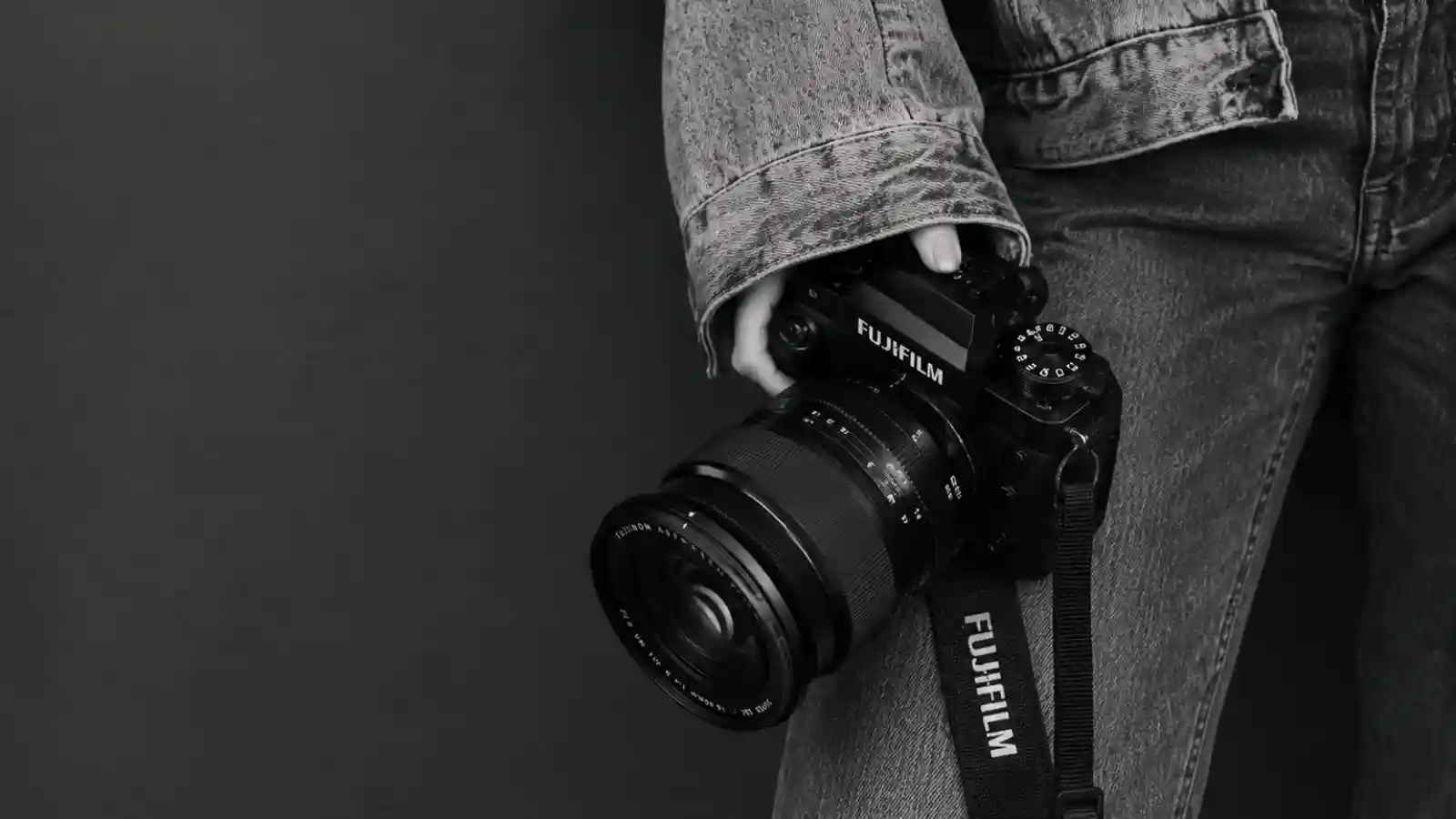
The X-H2 is highly customizable, but you do not need to change everything. A few smart shortcuts can make the camera much faster for hybrid photo and video work.
Suggested three-button setup:
| Shortcut | Why It Helps |
|---|---|
| Subject Detection | Quickly switch between people, animals, birds, vehicles, and other tracking modes |
| Video Settings | Faster access to frame rate, resolution, codec, or movie mode |
| Film Simulations | Quickly change looks for JPEGs, previews, or client review |
This setup is useful because it reduces menu diving and makes it easier to move between stills, video, autofocus changes, and creative looks during a shoot.
Expert tip: If you photograph different subjects often, keep Subject Detection on a custom button or in the Quick Menu. It is one of the easiest ways to speed up your workflow.
Vertical Grip and Availability Note
The Fujifilm VG-XH Vertical Battery Grip adds portrait controls, better balance with larger lenses, and extra battery capacity for longer shoots. It’s worth considering for weddings, events, sports, wildlife, and other long shooting sessions. If portability is a priority or you mostly use compact lenses, you can comfortably skip it.
Just be sure to check current availability, as stock may be limited in some regions.
Fujifilm X-H2
Resolution, Detail, and Dynamic Range
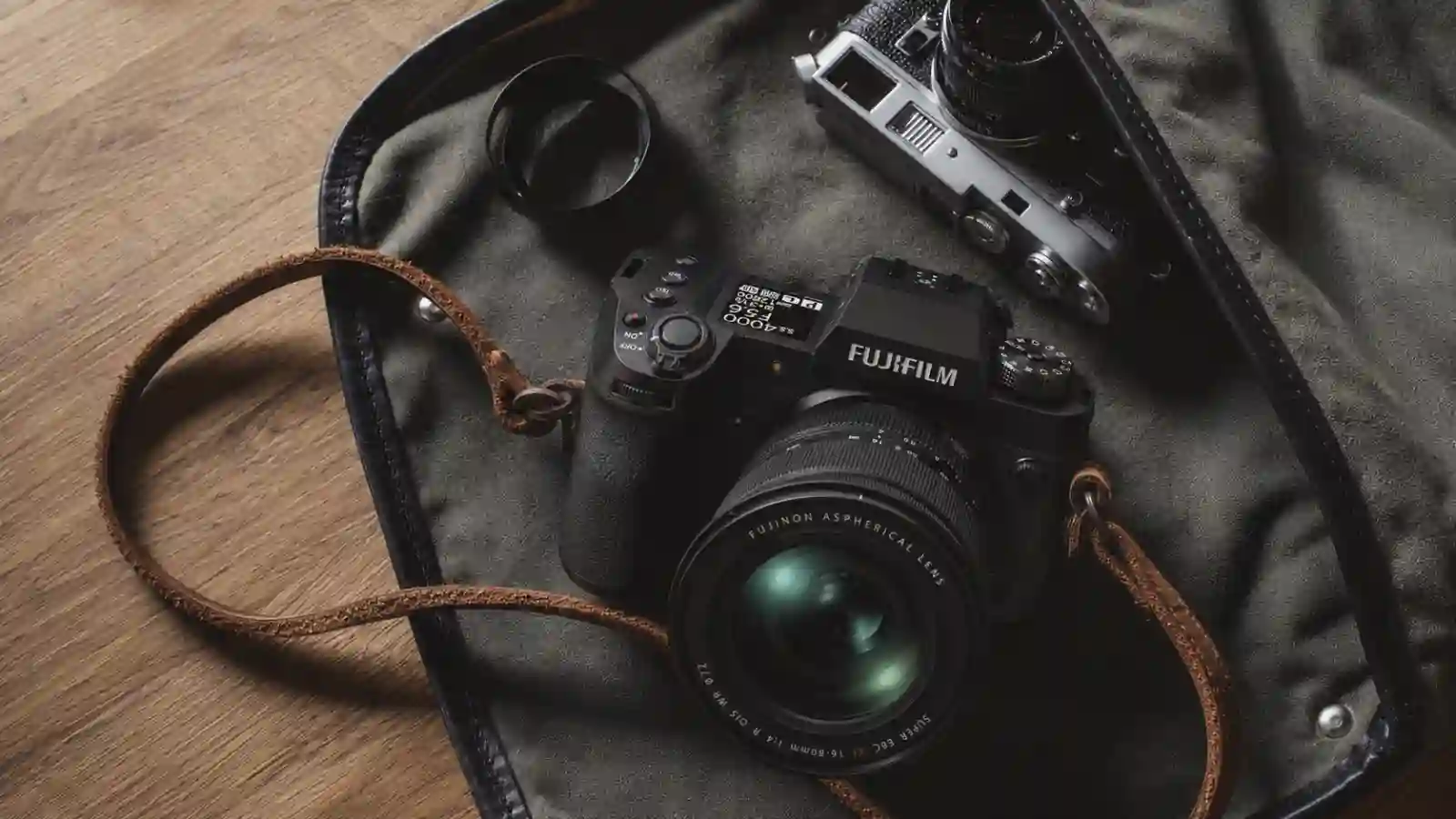
The 40.2MP sensor is the X-H2’s headline feature, but its value depends on how you use your images.
Where 40MP Makes a Difference
The extra resolution is especially useful for landscapes, product photography, studio work, and commercial projects. It also provides greater cropping flexibility, making the X-H2 a meaningful upgrade for many Fujifilm users.
You’ll benefit most from 40MP if you:
- Print large images
- Frequently crop your photos
- Deliver commercial or client work
- Need maximum editing flexibility
- Often inspect fine details in your images
You may notice less benefit if you:
- Mostly post to social media
- View images on phones, tablets, or laptops
- Rarely crop photos
- Primarily create standard-size prints
Lens Performance Matters
The X-H2’s 40.2MP sensor places greater demands on lenses, focus accuracy, and technique, making softness and small focus errors easier to spot. You don’t need a new lens collection, but better lenses and careful shooting will help you get the most from the camera. A detailed lens breakdown is covered later in this review.
Dynamic Range and High ISO Performance
At lower ISOs, X-H2 RAW files offer good flexibility for recovering highlights, lifting shadows, and refining exposure.
As ISO increases, dynamic range decreases and noise becomes more visible, making accurate exposure more important, though image quality remains strong throughout the camera’s practical ISO range.
The Workflow Trade-Off
The extra resolution comes with larger files, which require more storage, fill memory cards faster, and place greater demands on editing hardware. For photographers with older computers or storage-limited workflows, this is worth considering.
For the right user, the X-H2’s 40.2MP sensor is less about megapixels and more about flexibility, giving you more detail, cropping room, and editing freedom when you need it most.
Fujifilm X-H2
High-ISO Noise and RAW Editing Latitude
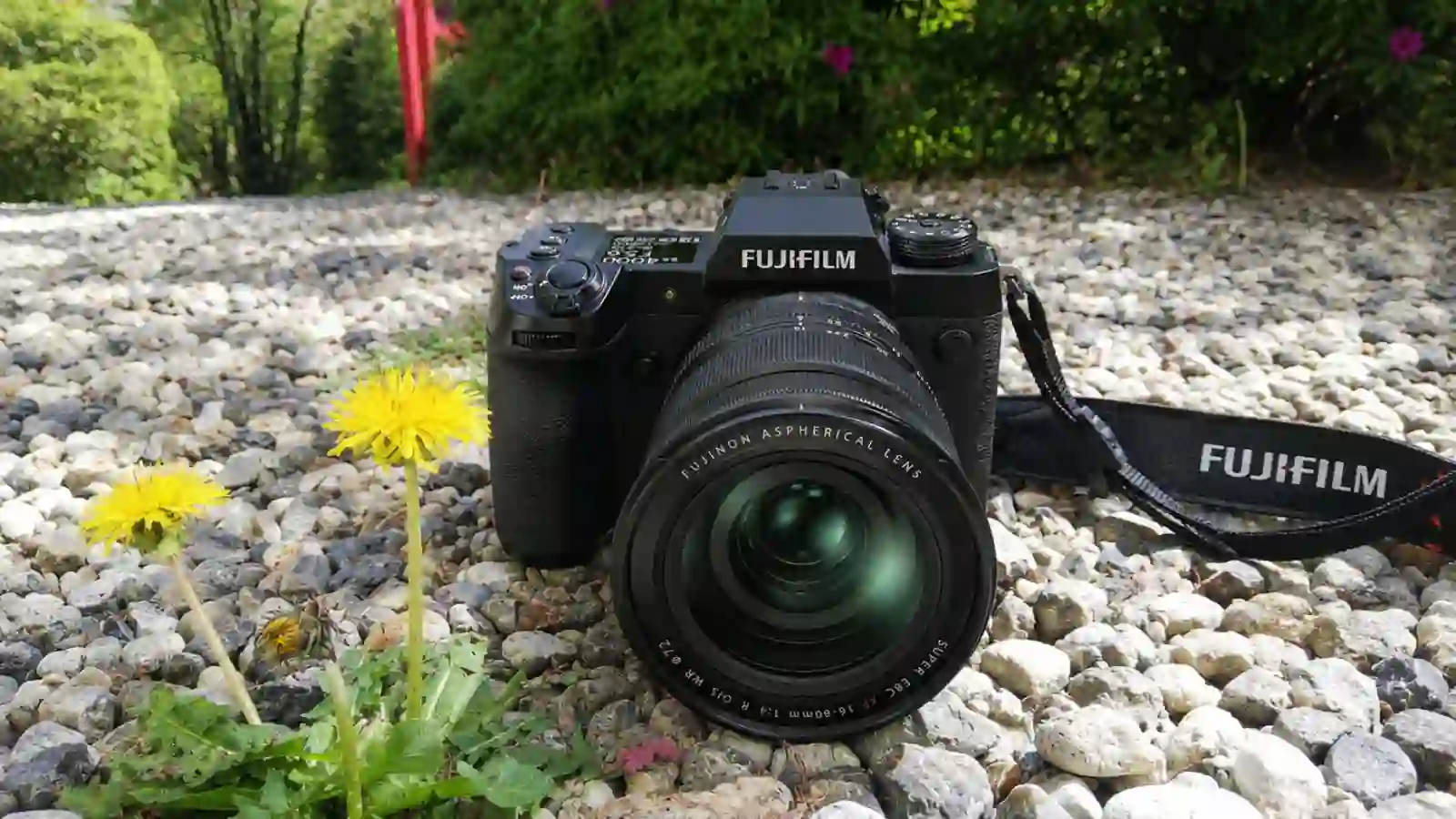
High-ISO Noise
A common concern with the X-H2’s 40.2MP sensor is low-light noise. In practice, high-ISO performance remains very usable, although the extra resolution can make noise more noticeable when viewing files at 100%.
In normal viewing, prints, and online use, the difference is much less obvious. The trade-off is simple: you gain more detail and cropping flexibility at the cost of slightly more visible noise when closely inspecting images.
RAW Editing Flexibility
The X-H2 performs particularly well when shooting RAW, giving you plenty of flexibility for recovering highlights, lifting shadows, and refining exposure. This is especially useful for landscapes, commercial work, and high-contrast scenes. While that flexibility decreases at higher ISOs, there’s still enough headroom for most editing needs.
Lightroom Classic
- Better for large catalogs, batch editing, and Adobe-based workflows.
Capture One
- Popular for tethered studio work, color control, and fine-detail rendering.
Both handle X-H2 RAW files well, so the better choice comes down to your workflow.
Color Science and Film Simulations

One of the biggest reasons photographers choose Fujifilm is not the sensor, it’s the color.
The X-H2 includes 19 Film Simulation modes, giving photographers a wide range of JPEG looks straight out of camera.
Popular options include Provia, Velvia, Astia, Classic Chrome, Classic Neg., Nostalgic Neg., Eterna, Eterna Bleach Bypass, Acros, and several monochrome options.
Popular Film Simulations
- Classic Chrome Great for travel, street photography, and everyday shooting. It delivers a softer, documentary-style look with restrained colors.
- Velvia Best for landscapes and vibrant scenes where you want stronger color and extra impact straight out of the camera.
- Acros Fujifilm’s standout black-and-white profile, ideal for portraits, street photography, architecture, and fine-art work.
The X-H2 also includes other popular options like Nostalgic Neg, Classic Neg, Provia, and Astia, giving photographers plenty of creative flexibility without relying heavily on editing.
JPEG Quality and Real-World Benefits
Fujifilm’s JPEG output remains one of its biggest strengths. Images often look polished straight out of the camera, making them great for quick sharing, travel photography, client previews, and faster delivery.
Film Simulations can also help showcase different creative looks without extra editing, reducing how much post-processing many images need.
Fujifilm X-H2
160MP Pixel Shift Multi-Shot: Useful or Just a Niche Feature?
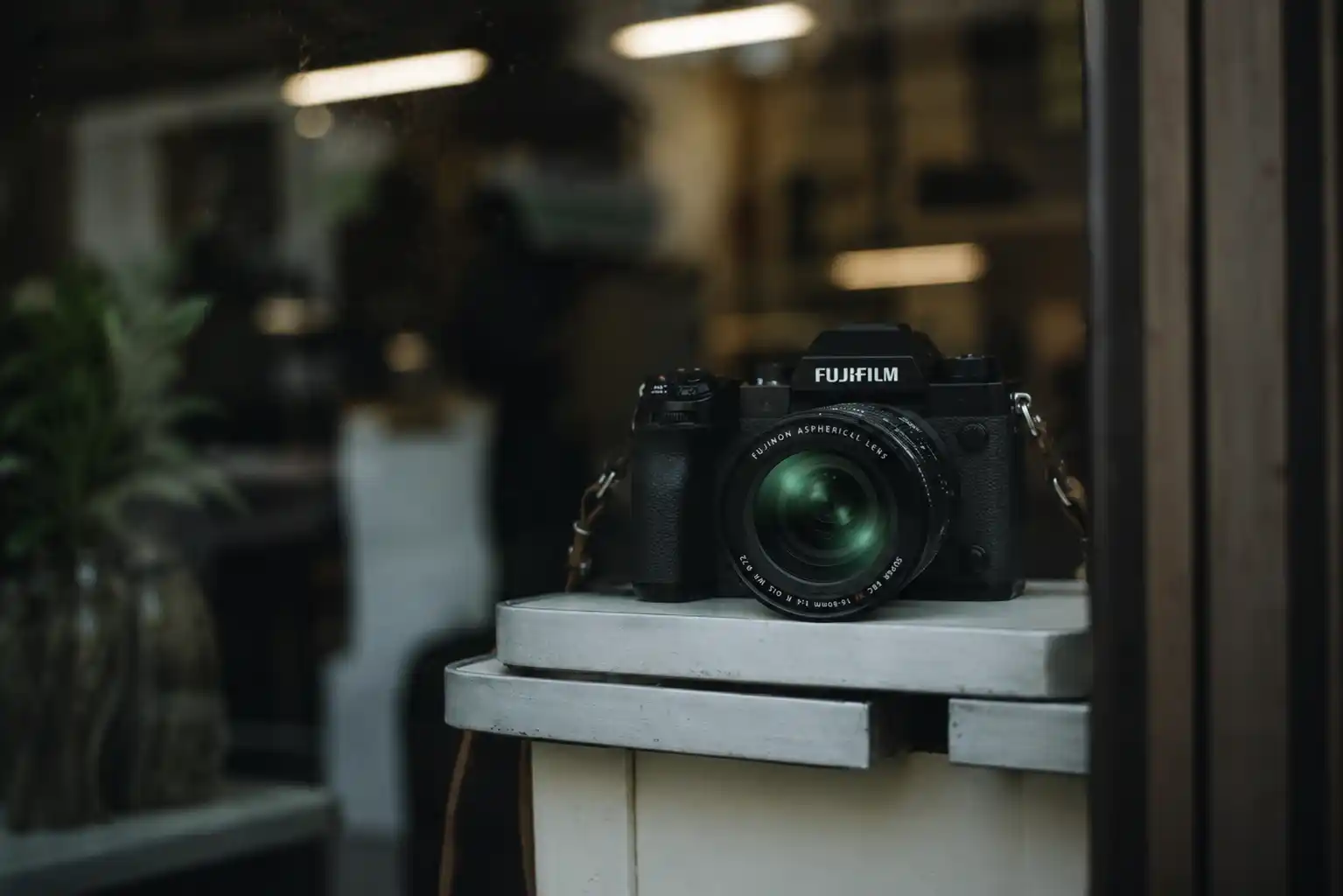
Fuji film’s Pixel Shift Multi Shot can create a 160MP file by combining multiple shifted exposures, but it works best only when the camera and subject remain completely still.
The feature works best when absolute detail matters and the subject remains completely still.
Best Uses for Pixel Shift
- Product photography
- Artwork and painting reproduction
- Museum and archival work
- Historical document preservation
- Commercial catalog photography
- Controlled studio setups
In these situations, Pixel Shift can capture finer detail and more accurate color information than a standard single exposure.
Where It Doesn't Work Well
Pixel Shift relies on multiple perfectly aligned exposures, so even small movement can cause artifacts.
It is generally not practical for:
- People and portraits
- Sports and wildlife
- Events and weddings
- Street photography
- Moving water, trees, or vehicles
- Handheld shooting
Setup Tips
For the best results:
- Use a sturdy tripod
- Enable the electronic shutter
- Use a 2-second timer
- Make sure nothing in the scene is moving
The Workflow Trade-Off
Pixel Shift creates much larger files and requires extra processing, resulting in a heavier workflow. It’s best viewed as a specialized feature for products, artwork, collectibles, and archival work.
For most photographers, the X-H2’s standard 40MP files already provide plenty of detail.
Focus Precision at 40MP
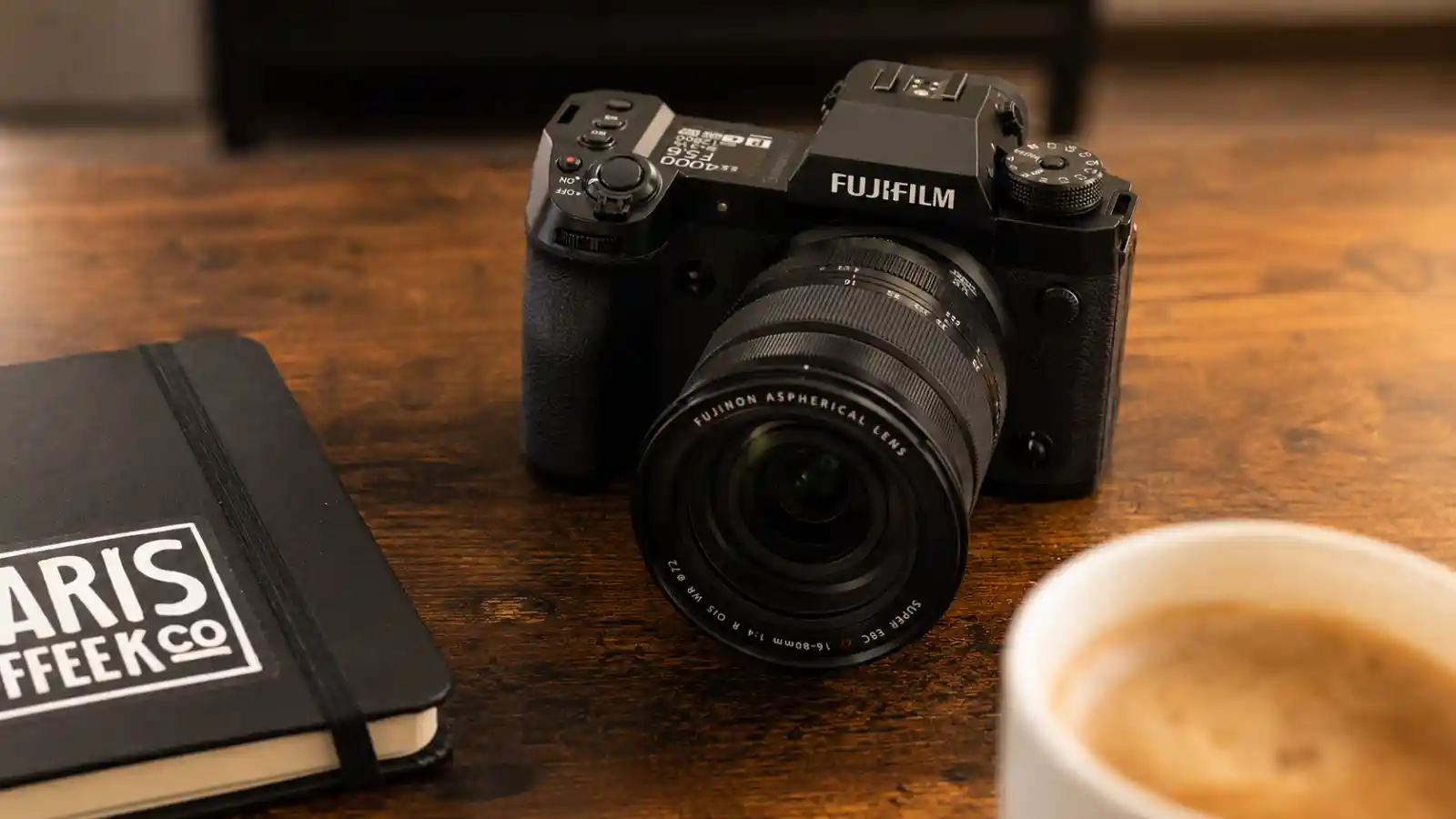
The X-H2’s 40.2MP sensor makes focus accuracy more important. The camera isn’t necessarily missing focus more often, but the extra resolution makes small focus errors easier to spot.
This is most noticeable with fast lenses, shallow depth of field, and genres like portrait, product, macro, and studio photography.
The payoff is impressive detail when focus is accurate, but manual focus also requires a bit more precision than lower-resolution cameras.
Tips for Maximum Sharpness
- Use focus magnification when focusing manually
- Enable focus peaking for better accuracy
- Double-check focus at wide apertures
- Use appropriate shutter speeds to avoid motion blur
- Pair the camera with high-quality lenses
The X-H2’s 40.2MP sensor rewards good technique. When focus, lens quality, and shooting technique come together, the level of detail can be impressive.
Fujifilm X-H2
Sample Gallery and EXIF Data: What to Look For
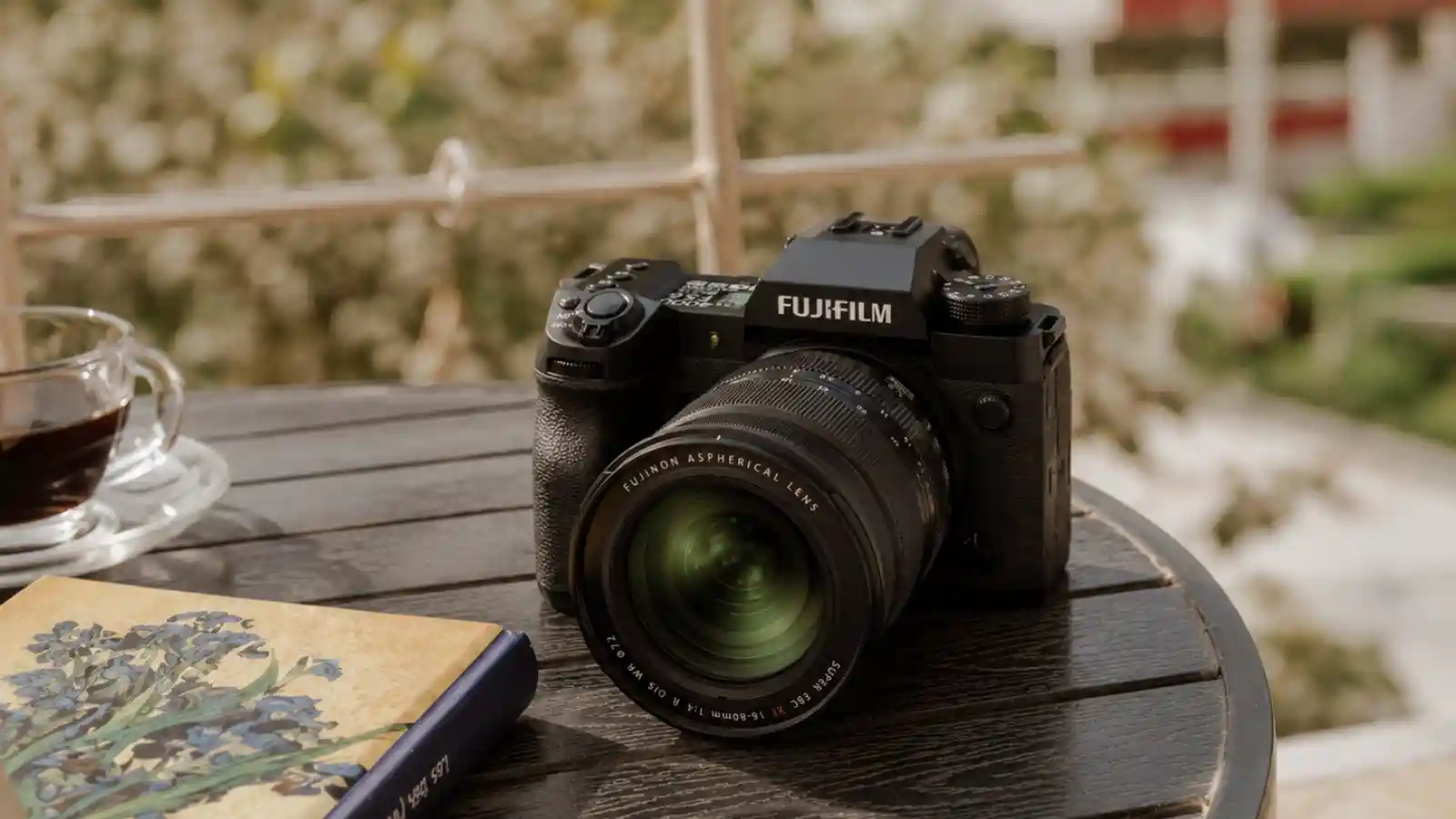
Sample images often tell you more than a spec sheet. They show how the X-H2’s 40.2MP sensor performs in real-world photography, including detail, color, dynamic range, and noise handling.
What to Check in Sample Images
When viewing full-resolution samples, pay attention to:
- Fine detail and texture reproduction
- Sharpness across the frame
- Noise at different ISO settings
- Highlight and shadow recovery
- Color rendering and tonal transitions
- Lens performance on the 40.2MP sensor
Check the EXIF Data Too
EXIF data helps explain how an image was captured by showing details like the lens, aperture, shutter speed, ISO, focal length, and Film Simulation used.
Just remember that sample images reflect more than the camera alone. Lens choice, lighting, editing, and photographer skill all play a role. Use them alongside real-world testing for a more complete picture.
Best Fujifilm XF Lenses for the X-H2’s 40.2MP Sensor
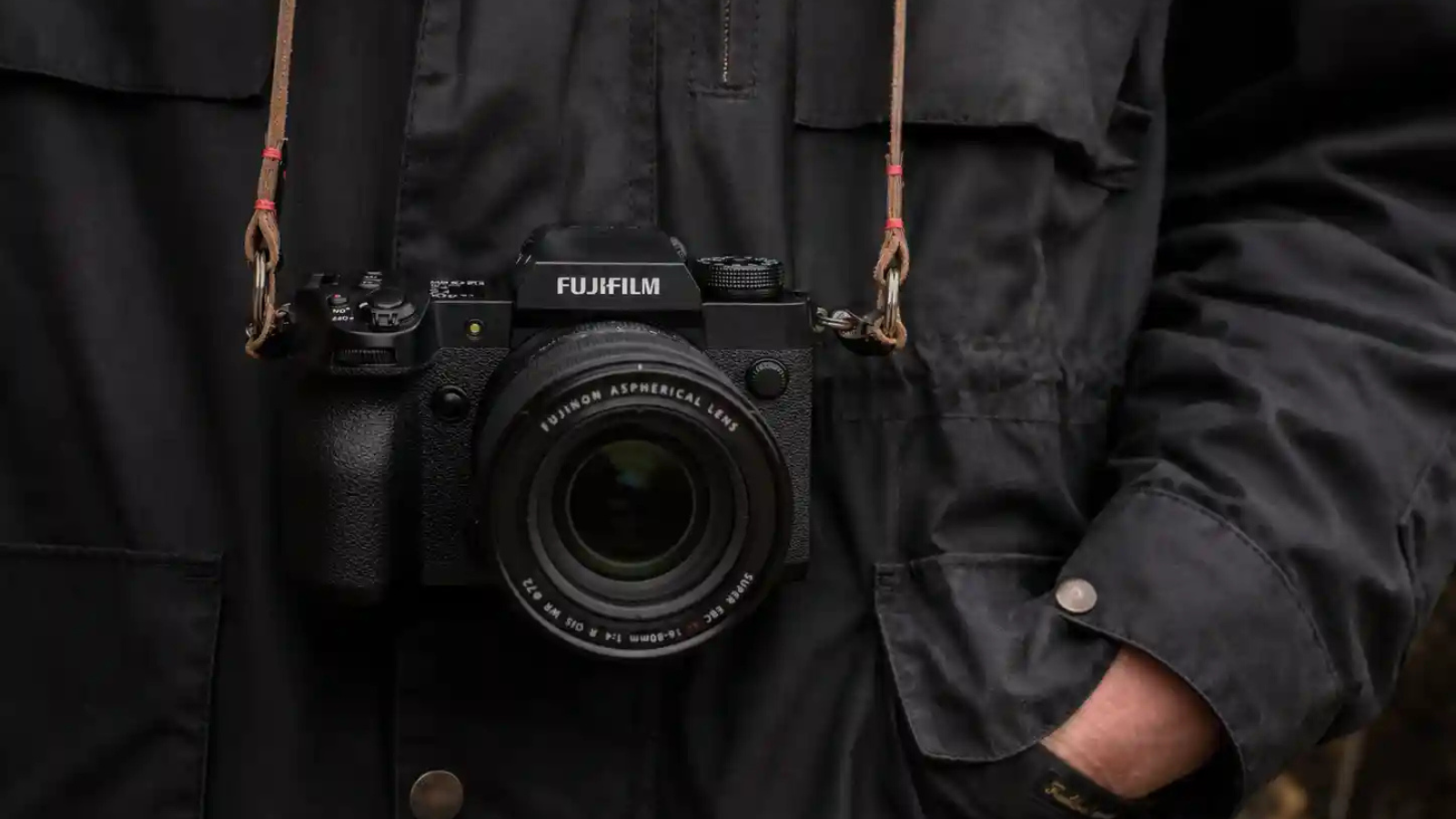
The Fujifilm X-H2’s 40.2MP sensor captures a lot of detail, but it also makes lens quality more important.
You do not need to replace your entire lens collection. Most Fujifilm XF lenses will still deliver good real-world results.
The difference becomes more noticeable when you:
- Crop heavily
- Print large
- Shoot commercial work
- Check images at 100%
- Photograph fine details
- Use older or softer lenses
For everyday photography, travel, portraits, street photography, family images, and online sharing, many existing XF lenses are still more than good enough.
Why Lens Quality Matters More at 40.2MP
A higher-resolution sensor gives you more flexibility, but it also reveals more flaws.
The X-H2 can make these issues easier to notice:
- Slight lens softness
- Small focus errors
- Motion blur
- Weak corner sharpness
- Poor shooting technique
- Lower-quality glass
This does not mean older lenses suddenly become bad. It simply means the X-H2 rewards sharper lenses and careful technique.
A good lens helps you get the most from the 40.2MP sensor, especially for landscapes, products, studio work, architecture, and commercial projects.
Excellent Lens Matches for the X-H2
These lenses are some of the strongest options for getting maximum detail from the X-H2:
| Lens | Best For |
|---|---|
| XF 18mm f/1.4 R LM WR | Landscape, travel, environmental portraits |
| XF 23mm f/1.4 R LM WR | Street, documentary, weddings, travel |
| XF 33mm f/1.4 R LM WR | Portraits, lifestyle, events, everyday use |
| XF 56mm f/1.2 R WR | Portraits, weddings, shallow depth of field |
| XF 90mm f/2 R LM WR | Portraits, product details, compressed landscapes |
| XF 50mm f/1.0 R WR | Portraits, low light, creative background blur |
These lenses make the most sense if you:
- Print large
- Crop often
- Shoot paid work
- Need maximum sharpness
- Deliver high-resolution files
- Shoot product, studio, landscape, or commercial work
Still-Good XF Lenses for Most Users
You can still get excellent results from many older or existing Fujifilm lenses.
These lenses may not always extract every bit of detail from the 40.2MP sensor, but they remain very useful for most photographers:
| Lens | Best For |
|---|---|
| XF 16-55mm f/2.8 R LM WR | Events, travel, commercial work, general professional use |
| XF 50-140mm f/2.8 R LM OIS WR | Portraits, events, sports, wildlife, landscapes |
| XF 35mm f/1.4 R | Portraits, street, lifestyle, everyday photography |
| XF 23mm f/1.4 R | Street, documentary, travel, environmental portraits |
| XF 56mm f/1.2 R | Portraits, weddings, low-light work |
| XF 16-80mm f/4 R OIS WR | Travel, everyday photography, lightweight all-purpose use |
For social media, websites, travel, portraits, and standard-size prints, most users are unlikely to notice major problems.
The differences matter more when you demand maximum detail.
Do You Need to Upgrade Your Lenses?
Probably not right away.
If you already own good Fujifilm XF lenses and like your current results, test them on the X-H2 before buying new glass.
You may not need new lenses if you:
- Mostly share images online
- Rarely crop heavily
- Make standard-size prints
- Shoot travel, portraits, street, or family photos
- Are already happy with your current image quality
You should consider upgrading lenses if you:
- Make large prints
- Shoot commercial or client work
- Crop aggressively
- Shoot landscapes, products, architecture, or studio work
- Want the maximum detail the X-H2 can deliver
- Notice softness even when your technique is good
Camera Body First or Lens First?
The smartest upgrade path is simple: check the lens you use most often.
Upgrade to the X-H2 first if:
- Your current lenses are already sharp enough
- You want more resolution
- You need more cropping flexibility
- You want stronger hybrid photo/video features
- You already own good XF lenses
Upgrade your lens first if:
- Your current lens is soft
- You mostly use entry-level zooms
- You want better sharpness more than new body features
- Your current camera body already meets your needs
Fujifilm X-H2
Practical Recommendation

The X-H2 rewards better lenses, but it does not make older lenses useless.
Most Fujifilm users can move to the X-H2 and continue getting strong results from the lenses they already own.
If your current lens is already good, the X-H2 can give you more detail and cropping flexibility.
If your current lens is the weak point, a better lens may improve your image quality more than upgrading the camera body.
Autofocus Performance and Subject Detection

The X-H2 gives a clear autofocus upgrade over older Fujifilm cameras. Face and Eye Detection is faster and more reliable, especially for portraits, events, family photos, and candid moments.
It also supports subject detection for animals, birds, automobiles, motorcycles/bikes, airplanes, and trains. This makes tracking easier when subjects move or the scene changes quickly.
| Best For | Performance |
|---|---|
| Portraits | Strong |
| Events | Strong |
| Travel | Strong |
| Family photography | Strong |
| Wildlife | Good |
| Sports/action | Good, but X-H2S is better |
Low-Light Performance
In indoor events, weddings, evening shoots, and mixed lighting, the X-H2 stays dependable. Autofocus may slow slightly in darker scenes, but it is still stronger than older Fujifilm bodies.
Burst Shooting Note
The 40.2MP files are larger, so the buffer can fill faster during long bursts. For sports, wildlife, or action, use compressed formats and fast cards to keep performance smoother.
Best options for longer bursts:
- Compressed RAW
- Lossless Compressed RAW
- JPEG
- Fast memory cards
Autofocus Verdict
The X-H2 is a strong autofocus camera for portraits, events, travel, wildlife, and general hybrid shooting. It is capable for action, but if speed and tracking are your top priority, the X-H2S is the better choice.
IBIS and Handheld Shooting
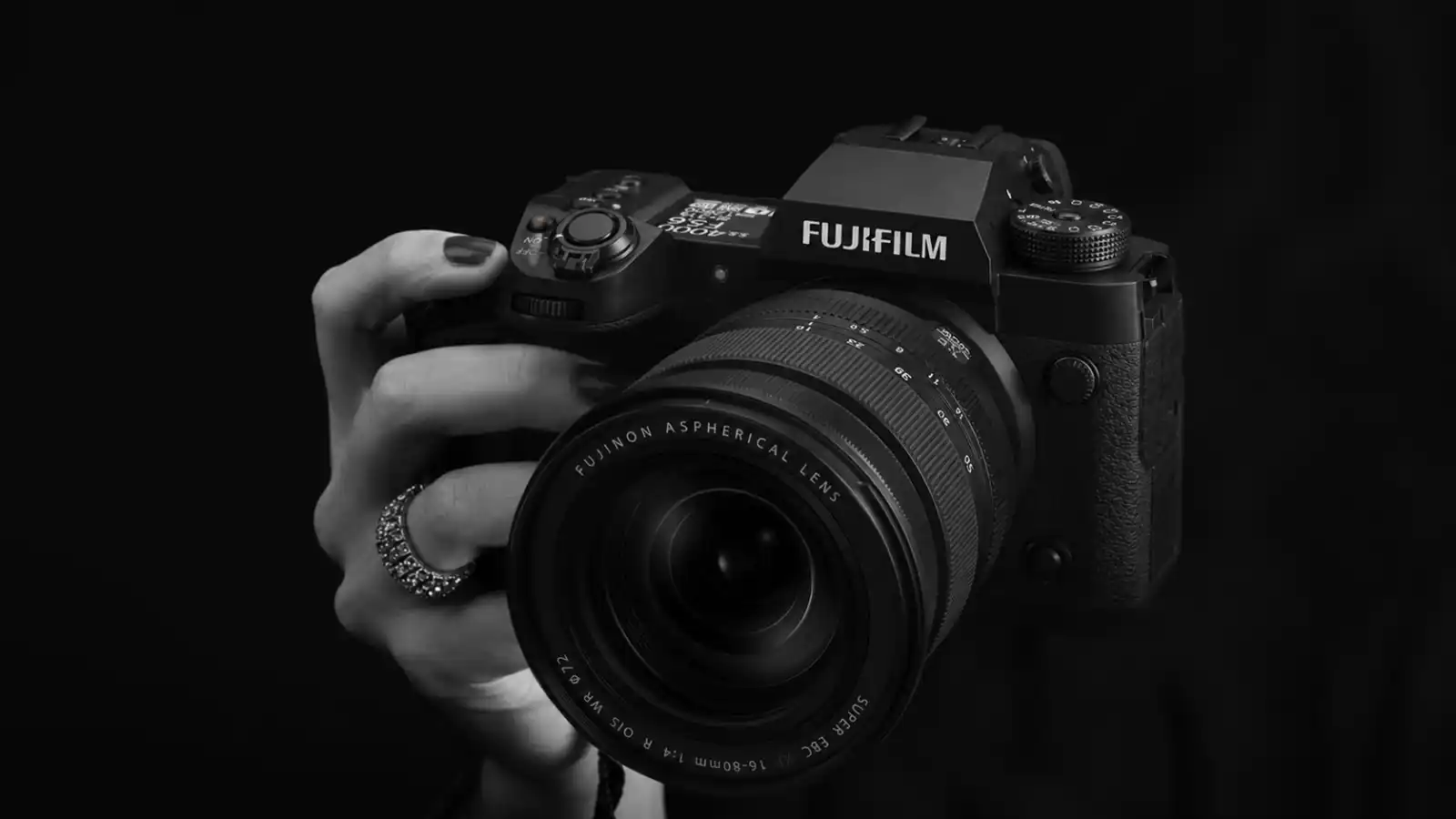
The Fujifilm X-H2 includes 5-axis in-body image stabilization rated up to 7 stops, making it one of the most useful everyday upgrades for handheld photography and video.
It helps reduce camera shake with static subjects, low-light scenes, and handheld video, but it cannot freeze subject movement.
Handheld Photography
EXIF data helps explain how an image was captured by showing details like the lens, aperture, shutter speed, ISO, focal length, and Film Simulation used. This context makes it easier to evaluate the camera’s performance in different shooting situations.
Keep in mind that sample images reflect more than just the camera. Lens choice, lighting, editing, and photographer skill all play a role, so use sample galleries alongside real-world testing rather than in isolation.
Video Stabilization
For handheld video, the X-H2 does a good job smoothing small hand movements and making footage look more controlled.
It works best for:
- Static handheld shots
- Interviews
- Slow camera movements
- Casual handheld recording
When walking or moving quickly, some stabilization artifacts can appear, including:
- Corner warping
- Edge distortion
- Slight wobble or jitter
This isn’t unique to the X-H2 and is common with many stabilized mirrorless cameras. For demanding motion work, a gimbal is still the better solution.
Using Digital Stabilization
Digital stabilization can make walking shots smoother, but it comes with a crop and may slightly affect image quality.
A simple rule:
- Use standard IBIS when you want the widest field of view.
- Use digital stabilization when smooth handheld movement is more important.
Tripod Tip
When shooting long exposures on a tripod, it’s usually best to disable IBIS. Leaving stabilization active can sometimes introduce slight softness because the camera may try to correct movement that isn’t there.
For the sharpest results:
- Use a stable tripod
- Disable IBIS
- Use a timer or remote release
- Confirm focus before shooting
| Mode | Format | Crop | Approx Recording Time* | Storage Recommendation |
|---|---|---|---|---|
| 8K 30p | ProRes 422 HQ / H.265 10-bit | 1.23x | ~25-30 min | CFexpress Type B |
| 8K 30p | H.265 Long GOP | 1.23x | ~30-35 min | CFexpress Type B |
| 4K 60p | ProRes / H.265 10-bit | 1.14x | ~40-50 min | CFexpress Type B or V90 |
| 4K 30p | H.264 / H.265 10-bit | No Crop (Oversampled) |
60+ min | V90 UHS-II |
| FHD 240p | H.265 10-bit | 1.14x | Battery/Heat Dependent | V90 UHS-II |
*Recording times vary based on firmware version, ambient temperature, and recording settings.
Fujifilm X-H2
Video Recording Modes and Thermal Performance

The X-H2 is a powerful hybrid camera with 8K, ProRes, 10-bit color, and high-quality 4K video options.
8K offers maximum detail and extra flexibility for cropping and reframing, but comes with larger files, higher storage demands, and more heat.
For most creators, 4K is the better choice, offering excellent image quality, easier editing, smaller files, and better thermal performance.
If slow motion is a priority, Full HD high-frame-rate modes remain useful for sports, wildlife, action footage, and creative B-roll.
Storage Matters More Than Most People Expect
Recording in 8K or ProRes can generate large amounts of data very quickly. If you plan to use these modes regularly, a fast CFexpress Type B card is highly recommended to maintain reliable recording performance and avoid workflow bottlenecks.
Thermal Reality
The X-H2 handles video well, but demanding modes like 8K generate more heat, especially during long recording sessions or in warm conditions. This is a normal trade-off of high-resolution recording in a compact camera body.
For interviews, events, documentaries, and most client work, 4K often provides the best balance of image quality, recording reliability, storage efficiency, and heat management.
Tips for Longer Recording Times
- Keep the rear screen pulled away from the camera body
- Avoid direct sunlight during extended recording sessions
- Use less demanding codecs when maximum quality isn’t required
- Allow cooling breaks between long takes
- Consider Fujifilm’s cooling fan if long-form video is a regular part of your work
Quick Recommendation
Use 8K if you:
- Need maximum detail
- Crop heavily in post-production
- Shoot commercial or high-end client work
Use 4K if you:
- Want the most balanced workflow
- Record long sessions
- Create YouTube, travel, documentary, or client content
- Prefer easier editing and storage management
The Thermal Stress Test: Actual Recording Durations
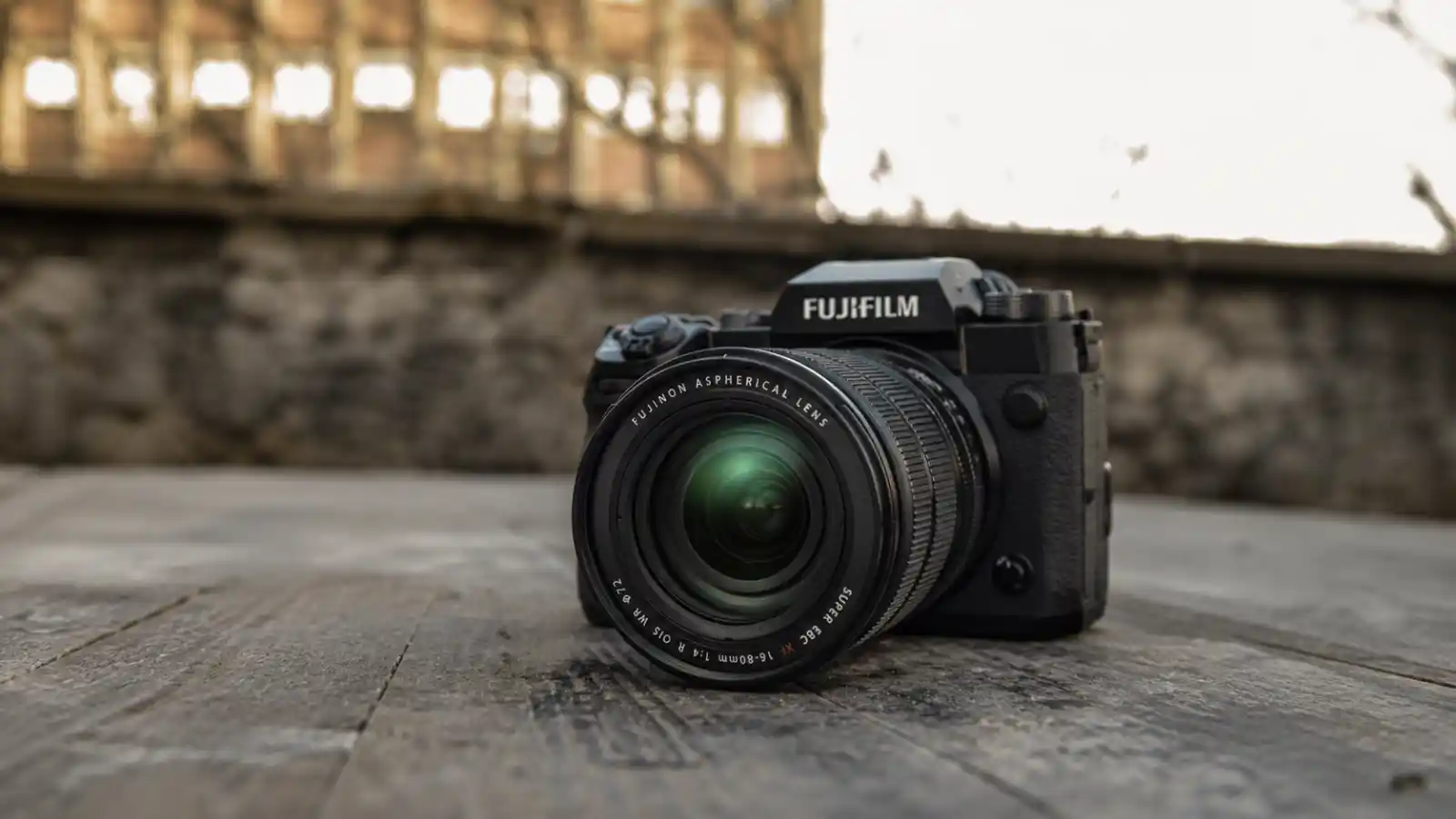
Thermal Performance and Recording Times
One of the biggest concerns with the X-H2 is heat during long recording sessions. The reality is simple: recording times depend heavily on ambient temperature, recording mode, and clip length.
A camera recording in a cool indoor environment will generally perform much better than the same camera recording outdoors in direct sunlight.
As temperatures rise, available recording time especially in 8K can decrease noticeably.
| Ambient Temperature | 8K Recording | 4K 60p Recording | 4K 30p Recording |
|---|---|---|---|
| 20°C (68°F) | Longest recording times | Stable for extended sessions | Generally not heat-limited |
| 25°C (77°F) | Noticeable reduction possible | Usually remains manageable | Minimal concerns |
| 30°C (86°F) | Heat buildup becomes more significant | Recording duration may shorten | Typically remains the safest option |
Fujifilm rates the X-H2 for up to 160 minutes of 8K/30p recording under controlled conditions. Real-world recording times may be shorter depending on heat, battery level, recording settings, and storage media.
If you regularly shoot long-form video, a few simple habits can help extend recording times:
- Keep the rear screen pulled away from the body
- Avoid direct sunlight when possible
- Use less demanding codecs when maximum quality isn’t required
- Allow short cooling breaks between long recordings
- Consider Fujifilm’s optional cooling fan for extended shoots
Quick Verdict
Heat is unlikely to be a problem if you:
- Primarily shoot 4K
- Record shorter clips
- Work indoors or in moderate temperatures
Pay closer attention to heat if you:
- Frequently shoot 8K
- Record long uninterrupted clips
- Work outdoors in hot conditions
For most photographers and hybrid creators, overheating is rarely a major concern. The biggest limitations typically appear during extended 8K recording or prolonged shooting in hot conditions.
Fujifilm X-H2
F-Log2 Exposure and Grading Headroom
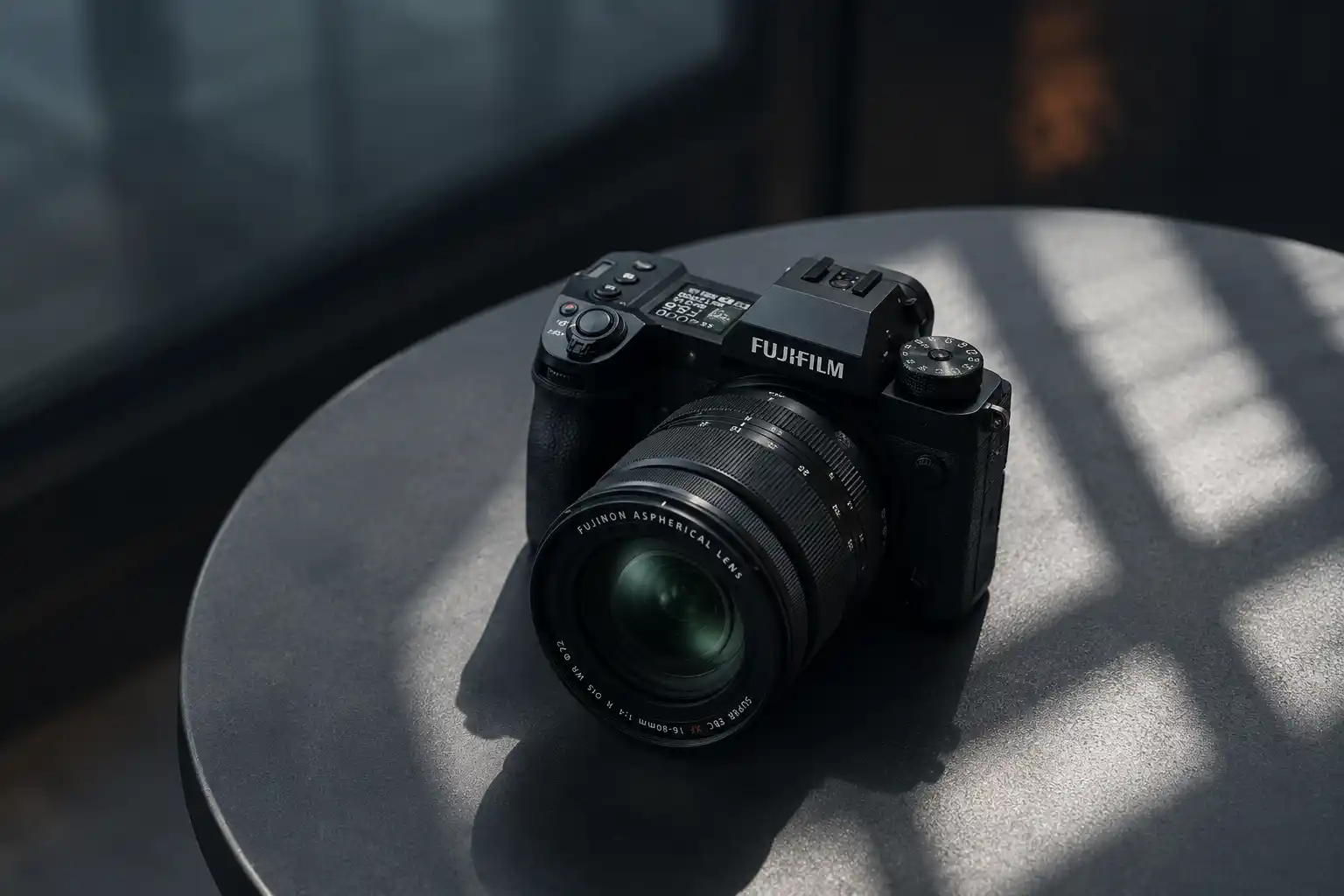
If you’re serious about video, F-Log2 is one of the X-H2’s most valuable features. It captures a flatter image with more detail, giving you greater flexibility for color grading, highlight and shadow recovery, and challenging lighting situations.
When exposed properly, it’s especially useful for commercial work, documentaries, interviews, and client projects.
Pro Tip: Expose Slightly Brighter
For cleaner F-Log2 footage, many creators expose slightly brighter while protecting highlights. Around +0.7 to +1 stop can work well, depending on the scene, lighting, ISO, and available highlight headroom.
When F-Log2 Makes Sense
Use F-Log2 if you plan to:
- Color grade extensively
- Match footage from multiple cameras
- Shoot in challenging lighting
- Deliver professional client work
- Get maximum editing flexibility
For quick-turnaround projects, social media content, or minimal editing, Fujifilm’s standard profiles and Film Simulations are often the faster and more practical choice.
Rolling Shutter and Storage
The X-H2 delivers excellent detail, but rolling shutter can appear during fast movement, especially in 8K video or with the electronic shutter.
For interviews, landscapes, studio work, and most everyday content, it’s rarely a major concern. Sports, wildlife, vehicles, and fast action are where it’s more noticeable.
For most creators, 4K is the more practical choice thanks to smaller files, easier editing, and better heat management. Use 8K when you need maximum detail or extra cropping flexibility, and consider the X-H2S if fast action is your priority.
Do You Need CFexpress?
Not everyone needs CFexpress. A fast V90 UHS-II SD card is enough for most photography and standard 4K video. CFexpress Type B is required for ProRes and is the better choice for 8K, high-bitrate video, long bursts, and demanding hybrid work.
Best setup for most users:
- CFexpress Type B for ProRes, 8K, high-bitrate video, and long bursts.
- V90 UHS-II SD cards for everyday photography and standard 4K.
Fujifilm X-H2
The Hybrid Workday: Real-World Experience
In a typical commercial shoot, the X-H2 feels like a true hybrid camera, handling both photos and video with ease.
The 40.2MP sensor provides excellent detail and cropping flexibility, while autofocus remains reliable throughout the day.
The main trade-off is file size. Photos and video consume storage faster than older Fujifilm bodies, so expect to need larger memory cards and more backup space.
Storage and Workflow
The X-H2’s 40.2MP sensor delivers more detail, but it also creates larger files. That means more storage, longer imports, and bigger backups over time.
The extra resolution is most valuable for landscape, product, commercial, architectural, and heavy-cropping work.
If you mainly share images online or rarely crop, the benefits may be less noticeable.
Editing Performance
Both Capture One and Lightroom Classic work well with X-H2 files.
- Capture One is popular for studio work, tethering, and advanced color control.
- Lightroom is often preferred for managing large photo libraries and high-volume workflows.
Most modern mid-range computers can handle X-H2 files without major issues, although exports and previews will be slower than with 26MP cameras.
Storage and Card Strategy
For paid work, many photographers use dual-card backup recording for extra security. For travel or personal projects, sequential recording helps maximize storage capacity.
A simple rule: if the shoot can’t be repeated, use backup recording.
Battery Life and Power
Battery life is good for photography, but video, IBIS, and continuous autofocus use more power.
For longer shoots, spare batteries are usually enough. If you regularly shoot events, interviews, or long video sessions, a battery grip or USB-C PD power bank can make a big difference.
The X-H2 rewards photographers who value detail, cropping flexibility, and high resolution output. The main trade-off is a heavier storage and editing workflow, but for many users, the image quality benefits are worth it.
A Quick Note From Our Side
Zainab and I believe photography should feel meaningful, not stressful. The right camera is not always the one everyone is talking about. It is the one that helps you capture the moments that matter to you.
That is why we look beyond specs and try to explain how a camera may feel in real use, from file handling and comfort to everyday shooting confidence.
Fujifilm X-H2
Firmware and 2026 Update Notes
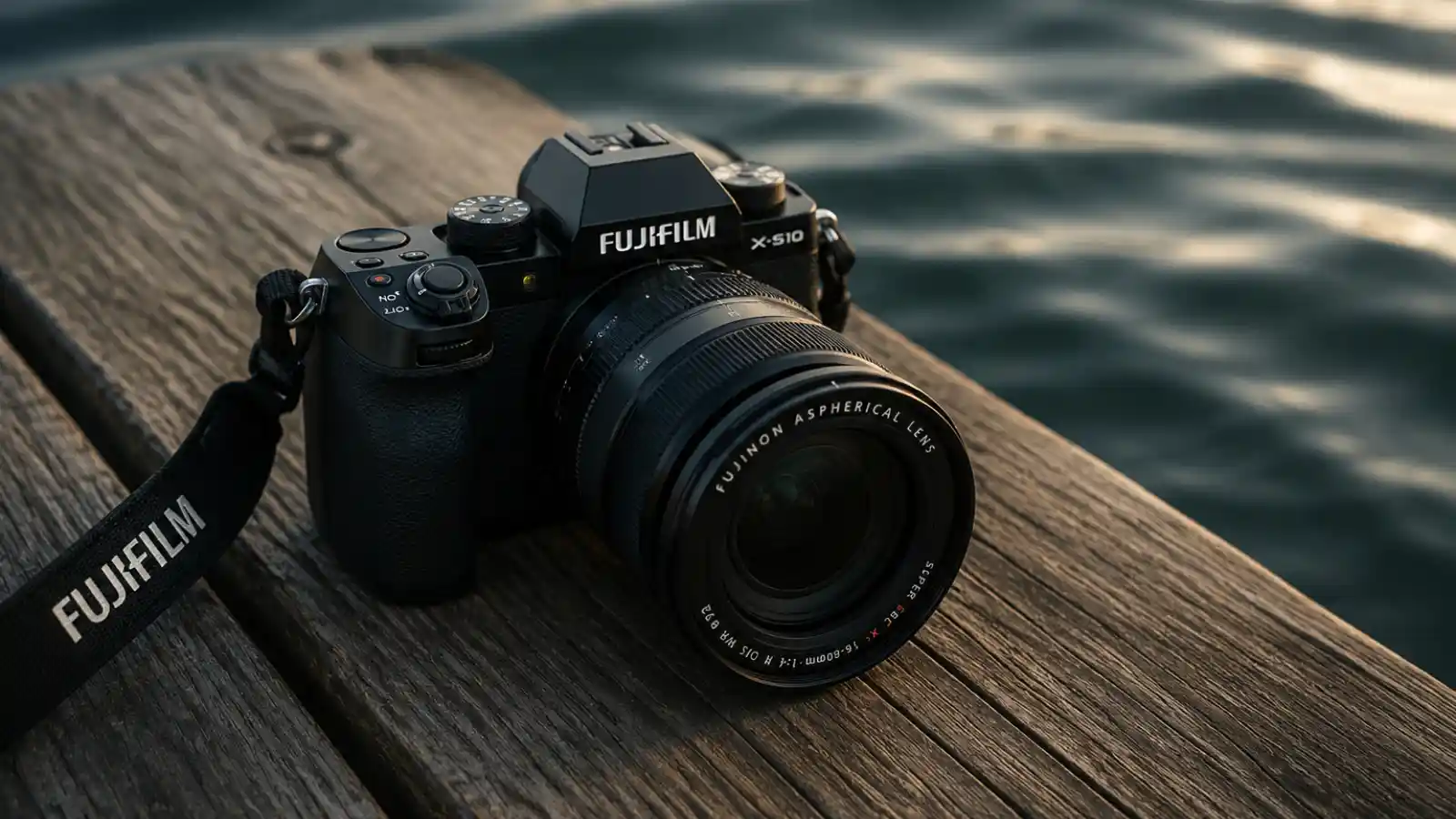
The X-H2 has received several firmware updates since launch, so it’s worth updating both the camera and lenses before evaluating autofocus, video performance, or connectivity.
Recent updates have improved stability, focus behavior, exposure tracking with compatible lenses, and workflows involving Frame.io, FTP, and XApp.
Note: Some network and USB settings may need to be reconfigured after updating.
FAQs About Fujifilm X-H2
Is the Fujifilm X-H2 still worth buying in 2026?
Yes, the X-H2 is still worth buying if you want maximum detail, strong hybrid video features, Fujifilm color, and a comfortable body for serious photo and video work. It makes the most sense for landscapes, products, studio work, commercial projects, architecture, portraits, and hybrid creators.
Is the Fujifilm X-H2 better than the X-H2S?
The X-H2 is better if you want resolution and cropping flexibility. The X-H2S is better if you shoot sports, wildlife, birds, or fast action where speed and rolling shutter performance matter more.
Does the Fujifilm X-H2 overheat?
The X-H2 handles normal 4K shooting well, but extended 8K recording, ProRes, hot weather, and direct sunlight can increase heat. For long recordings, use 4K when possible, keep the screen pulled away from the body, avoid direct sun, and consider the cooling fan if video is a major part of your work.
Do you need CFexpress for the Fujifilm X-H2?
You need CFexpress Type B for ProRes recording. For many photography and standard 4K workflows, a fast UHS-II SD card can be enough, but CFexpress is the better choice for 8K, ProRes, high-bitrate video, and long bursts.
Is 40.2MP too much for APS-C?
No, but it depends on your workflow. The 40.2MP sensor gives more detail and cropping flexibility, but it also creates larger files and demands better lenses, more storage, and stronger editing hardware.
Is the Fujifilm X-H2 good for wildlife?
It can shoot wildlife, but it is not the best Fujifilm body for wildlife and fast action. The X-H2S is usually the stronger choice because it prioritizes speed, faster sensor readout, and action performance.
Is the Fujifilm X-H2 good for video?
Yes. The X-H2 is a strong hybrid video camera with 8K, 6.2K, 4K up to 59.94p, 10-bit recording, ProRes, F-Log2, IBIS, and a full-size HDMI port. Most creators will find 4K the most practical mode for everyday and client work.
Fujifilm X-H2 vs X-T5: which should you buy?
Choose the Fujifilm X-H2 if you want a stronger hybrid body for serious video, longer shoots, larger lenses, and professional handling. Choose the X-T5 if you mainly shoot photos and want a smaller, lighter camera with classic Fujifilm controls. Both can deliver excellent image quality, but the X-H2 is better for hybrid creators, while the X-T5 is better for travel, street, and everyday photography.
Is the Fujifilm X-H2 autofocus good in 2026?
Yes, the Fujifilm X-H2 autofocus is good in 2026, especially after firmware updates improved focusing accuracy and subject tracking. It works well for portraits, products, landscapes, studio work, video, and general photography. However, for very fast wildlife, birds, sports, and unpredictable action, the X-H2S is still the stronger Fujifilm choice because it is built more for speed.
Final Buying Perspective
The Fujifilm X-H2 remains one of the best high resolution APS-C cameras in 2026. Its 40.2MP sensor, strong video features, IBIS, and comfortable handling make it an excellent choice for landscapes, portraits, studio, product, commercial, and hybrid photo/video work.
The main trade-offs are larger files and some rolling shutter during fast action. If you prioritize maximum detail and cropping flexibility, the X-H2 is easy to recommend. If speed, sports, wildlife, and action are your focus, the X-H2S is the better fit.
About HZ Lens Lab
HZ Lens Lab is run by two sisters, Zainab and Humna Khursheed, who are passionate about photography, nature, and cameras. We create research-based guides and reviews using real user experiences.
Our goal is to help beginners, enthusiasts, and professionals make smart decisions when buying cameras and accessories.
We focus on honest advice, detailed comparisons, and actionable recommendations, so you can spend more time capturing great moments rather than guessing which gear to buy.
Review Methodology
At HZ Lens Lab, we select cameras based on real-world user feedback, research, and majority consensus. Every camera is evaluated for:
- Image quality – sharpness, color accuracy, low-light performance
- Autofocus – speed, tracking, and reliability for photos and video
- Ergonomics – handling, comfort, and practical use
- Lens ecosystem – available lenses, upgrade path, and versatility
- Value for money – cost vs features, and long-term usability
We study product specifications, expert opinions, buyer reviews, and repeated user feedback patterns to understand what most real users experience. We do not claim hands-on testing unless we have personally used the product.
We prioritize practical performance over just specs, so our recommendations help you choose a camera that truly fits your photography style and needs.
Other Posts
Fujifilm X-H2 Review 2026
Our Fujifilm X-H2 review covers image quality, autofocus, 8K video,...
Read More
Ricoh GR IV Review: Real-World Pros, Cons & Global User Feedback
Read our Ricoh GR IV review with key specs, pros,...
Read More