
Nikon Z6III vs Z8: Which Full-Frame Mirrorless Camera Actually Earns Its Price in 2026?
Last Updated: 26-June-2026 / Content written by Zainab!
Chapters
How We Picked These Nikon Z Cameras: We ranked these Nikon Z cameras by real photography needs, not just specs. The goal is to help you choose the body that fits your shooting style, budget, lenses, and long-term use.
Our picks are based on Nikon’s official details, autofocus and sensor performance, firmware support, expert reviews, buyer feedback, and total system cost. HZ Lens Lab does not claim personal lab testing for every camera; this guide is research-based and written to help you buy with confidence.
The Nikon Z6III vs Z8 choice is really about workflow, not just specs.
The Z8 gives you more pixels, more speed, and a stronger pro-style body, but it also brings bigger files, heavier storage, and slower editing.
The Z6III is lighter, cheaper, and easier to manage, but 24.5MP may feel limiting if you crop hard or shoot high-detail work.
So which Nikon full-frame camera actually makes more sense in 2026?
This comparison looks beyond the spec sheet and focuses on real ownership: buffer, file size, finder experience, heat, chassis feel, and total cost.
How We Compared the Nikon Z6III and Z8
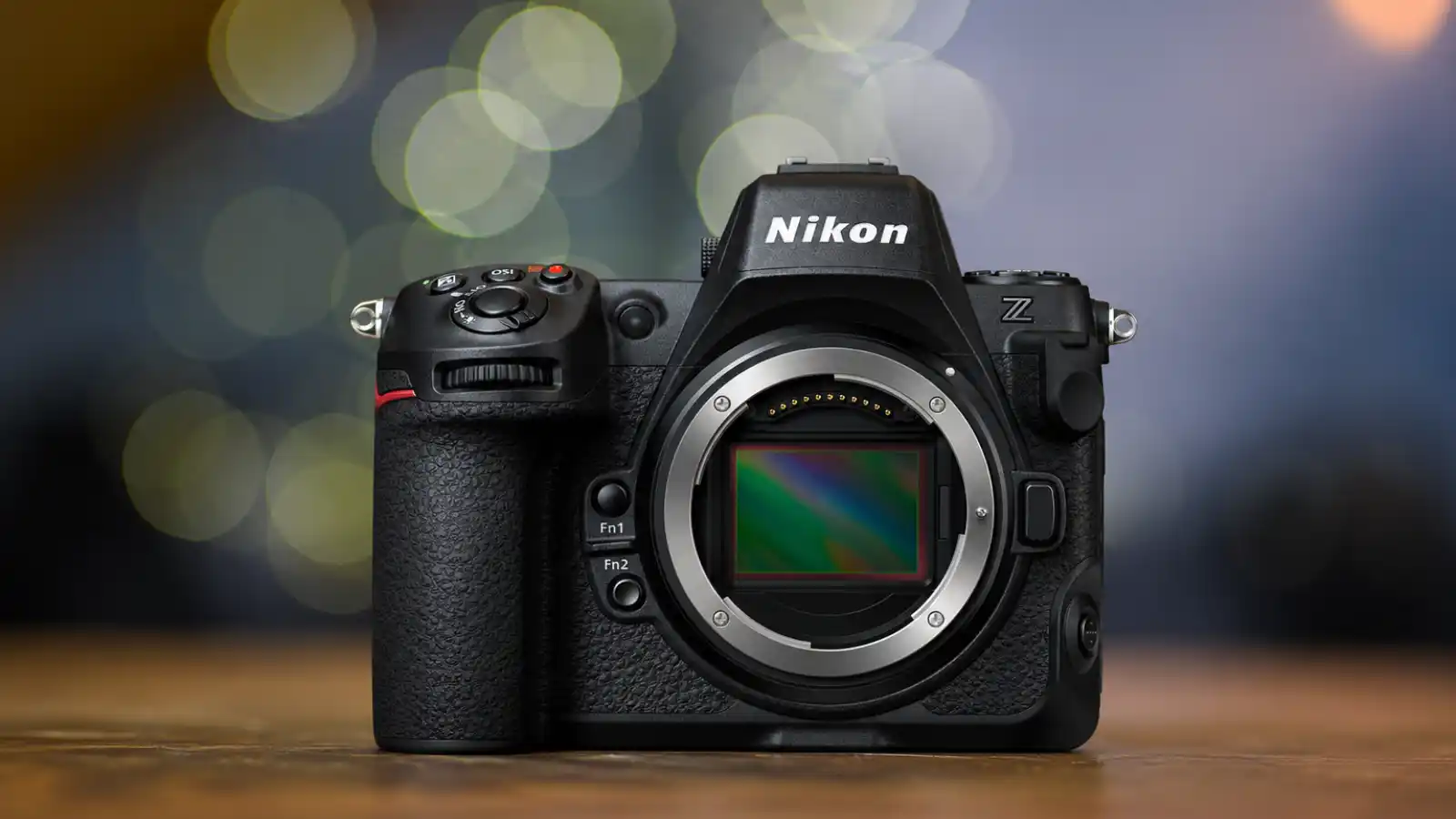
This Nikon Z6III vs Z8 comparison is research-based.
We did not personally shoot both cameras in a controlled lab or create our own side-by-side RAW files. Instead, we reviewed official Nikon specifications, current firmware notes, trusted photographer feedback, long-term review patterns, and real workflow needs.
That keeps the comparison honest.
What We Focused On
We focused on the things that affect daily use, not just the headline specs: buffer behaviour, RAW file size, autofocus confidence, finder experience, heat and battery use, chassis comfort, card and storage needs, total ownership cost.
These points matter because a camera can look great on paper and still slow you down after the shoot.
Why Workflow Matters
The Z8 gives more resolution and crop room, but its larger files can slow ingest, fill storage faster, and demand a stronger editing setup.
The Z6III is easier to manage for weddings, events, portraits, travel, and faster delivery work. But if you crop heavily or need maximum detail, the Z8 gives you more room.
Our Evaluation Goal
This is not about picking the most expensive Nikon.
It is about helping you choose the camera that fits your shooting style, editing setup, budget, and real workload in 2026.
If you are still comparing other Nikon bodies beyond these two, you may also find our guide to the best Nikon Z cameras helpful before making a final decision.
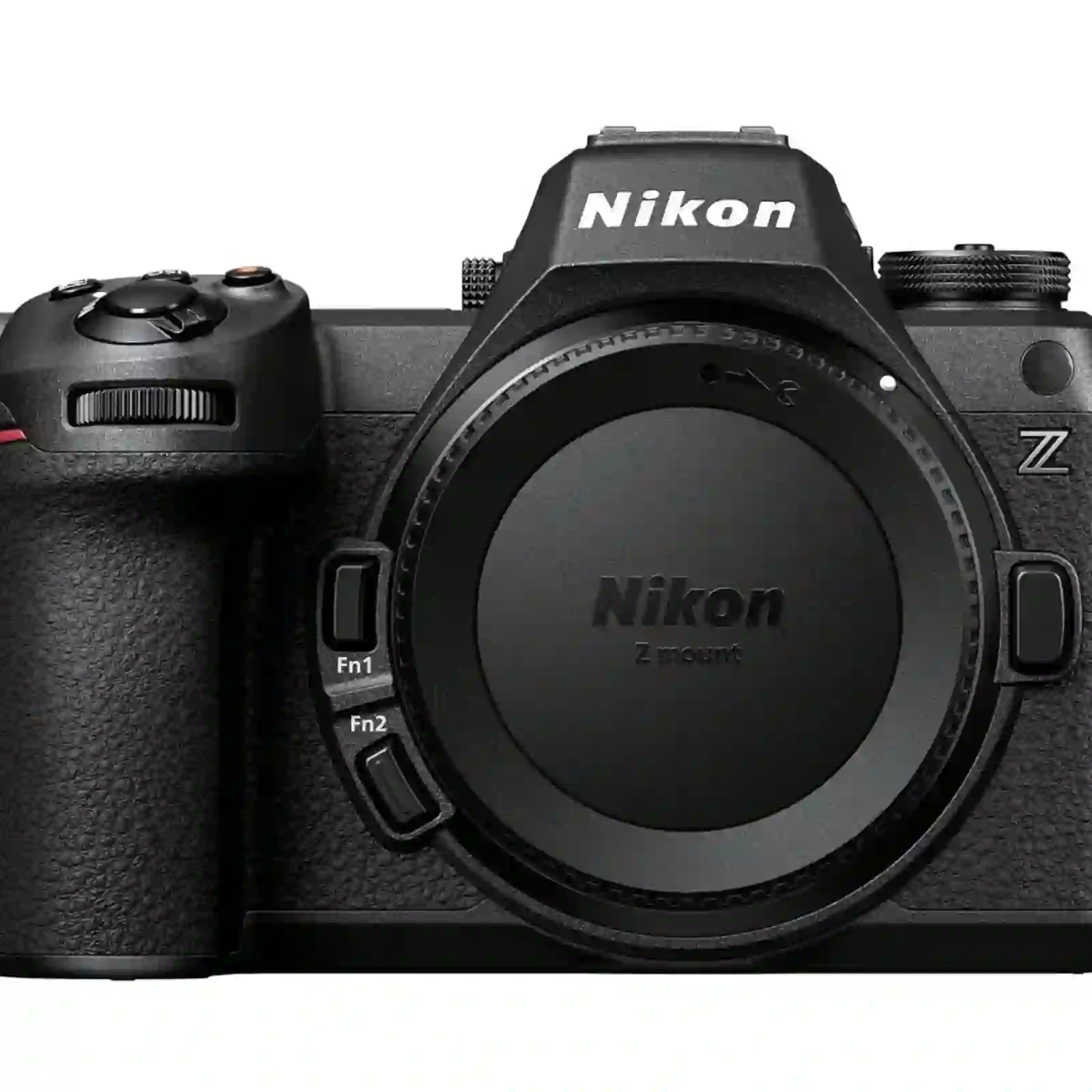
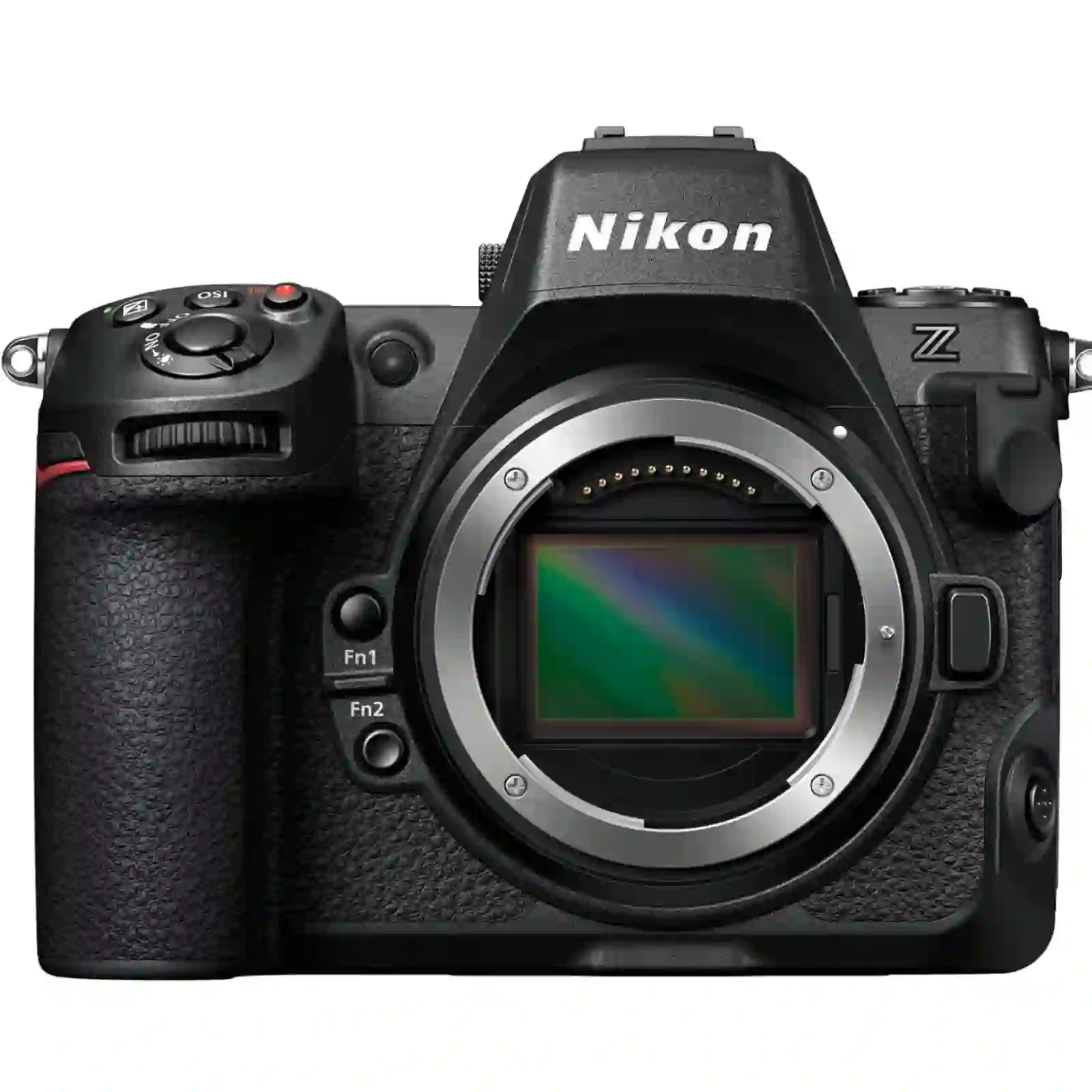
Core Specifications at a Glance
| Specification | Nikon Z6III | Nikon Z8 | Notes / Advantage |
|---|---|---|---|
| Effective Resolution | 24.5 MP | 45.7 MP | Z8 gives more room for cropping; Z6III keeps file sizes lighter. |
| Sensor Type | Partially-stacked full-frame CMOS | Stacked full-frame CMOS | Z8 has faster sensor readout. |
| Native ISO Range | ISO 100 - 64,000 | ISO 64 - 25,600 | Z8 has lower base ISO; Z6III has higher native ceiling. |
| Expanded ISO | ISO 50 - 204,800 equivalent | ISO 32 - 102,400 equivalent | Z8 goes lower; Z6III reaches higher. |
| AF Points | 273 single-point AF / 299 auto-area AF | 493 single-point AF | Z8 has denser single-point AF coverage. |
| Max Burst RAW | Up to 20 fps | Up to 20 fps | Tie for headline RAW burst speed. |
| High-Speed Capture | C30, C60, C120 | C15, C30, C60, C120 | Both offer 120 fps modes, with shooting limits. |
| Max Burst JPEG | Up to 120 fps in High-Speed Frame Capture+ mode | Up to 120 fps in High-Speed Frame Capture+ mode | Z8 has more resolution; Z6III gives speed in a lighter body. |
| Video Max Internal | 6K/60p N-RAW | 8K/60p N-RAW | Z8 wins for maximum video resolution. |
| 4K Video | 4K/120p uses DX crop | 4K/120p available; DX mode applies stronger crop | Z8 gives wider 4K/120p coverage with full-frame lenses. |
| Internal Codec | N-RAW, ProRes RAW HQ, ProRes 422 HQ, H.265, H.264 | N-RAW, ProRes RAW HQ, ProRes 422 HQ, H.265, H.264 | Very close codec support. |
| Memory Card Slots | 1x CFexpress Type B / XQD, 1x SD UHS-II | 1x CFexpress Type B / XQD, 1x SD UHS-II | Identical slot logic. |
| Weight Body Only | Approx. 670 g | Approx. 820 g | Z6III is easier for travel and long handheld shoots. |
| Weight With Battery and Card | Approx. 760 g | Approx. 910 g | Z8 feels more pro-grade but is heavier. |
| Battery CIPA EVF | Approx. 380 shots Eco ON / 360 shots Eco OFF | Approx. 340 shots Eco ON / 330 shots Eco OFF | Z6III has the better EVF CIPA rating. |
| Battery Monitor CIPA | Approx. 410 shots Eco ON / 390 shots Eco OFF | Approx. 370 shots Eco ON / 340 shots Eco OFF | Z6III also leads with monitor use. |
| Battery Burst Endurance | Not listed the same way by Nikon | Approx. 2280 burst shots | Z8 has a separate official burst endurance rating. |
| EVF Resolution | 5.76M-dot UXGA OLED | 3.69M-dot Quad-VGA OLED | Z6III has the sharper EVF by dot count. |
| Weather Sealing | Dust/moisture resistant | Dust/moisture resistant | Z8 still has the stronger pro-body feel. |
| Firmware Basis | Nikon C firmware v2.00 documentation | Nikon C firmware v3.10 documentation | Use this row for review transparency. |
Image Quality and Sensor Analysis
The Real Difference: 45.7MP vs 24.5MP
The Z8 gives you more room to crop.
That is the biggest image-quality advantage here. Its 45.7MP sensor gives more detail for wildlife, studio, product, landscape, and commercial work where clients may crop, print large, or ask for tight framing later.
The Z6III is not weak. Its 24.5MP files are still enough for weddings, portraits, events, travel, social media, websites, and most client galleries.
The difference is not “good vs bad.” It is detail vs speed.
Resolution and Workflow
The Z8 gives more latitude when you crop hard, but the files are heavier. That means slower ingest, bigger Lightroom catalogs, more storage, and longer backup time.
The Z6III is easier to live with. Its smaller RAW files move faster, edit faster, and make more sense if you deliver large galleries every week.
For many working shooters, that matters more than extra pixels.
Dynamic Range and RAW Latitude
The Z8 has an advantage at base ISO because it starts at ISO 64, while the Z6III starts at ISO 100.
That can help in bright scenes, highlight control, and high-detail work.
Both cameras should give strong RAW flexibility, but the Z8 gives more room if you edit heavily.
Still, good exposure matters more than chasing recovery later.
Low-Light Performance
For weddings, events, and indoor shoots, the Z6III may feel more practical. Its smaller files are easier to process, and noise is less distracting at normal viewing sizes.
The Z8 gives more detail, but at high ISO, you may notice noise more when checking files at 100%.
Use the Z8 if you need crop room. Use the Z6III if you need speed and clean delivery.
DX Crop and Extra Reach
The Z8 is stronger for crop-heavy work.
In DX crop mode, the Z8 keeps much more usable resolution than the Z6III. That matters for wildlife, birds, sports, and distant subjects.
With the Z8, you can crop harder and still keep a stronger file.
With the Z6III, you need to frame more carefully.
Depth of Field and Sharpness
Depth of field does not change because of megapixels.
Both cameras are full-frame, so the lens, aperture, distance, and framing control the look. But the Z8’s higher resolution can show focus mistakes more clearly.
The Z6III is a little more forgiving when you are moving fast.
Fair Comparison Note
We did not shoot our own side-by-side RAW samples for this article.
For a fair image-quality check, both cameras should be compared with the same lens, same white balance, same exposure, same Picture Control, and latest firmware.
A Nikon Z 24-70mm f/2.8 S and a colour checker would be a sensible setup.
Autofocus Performance Breakdown
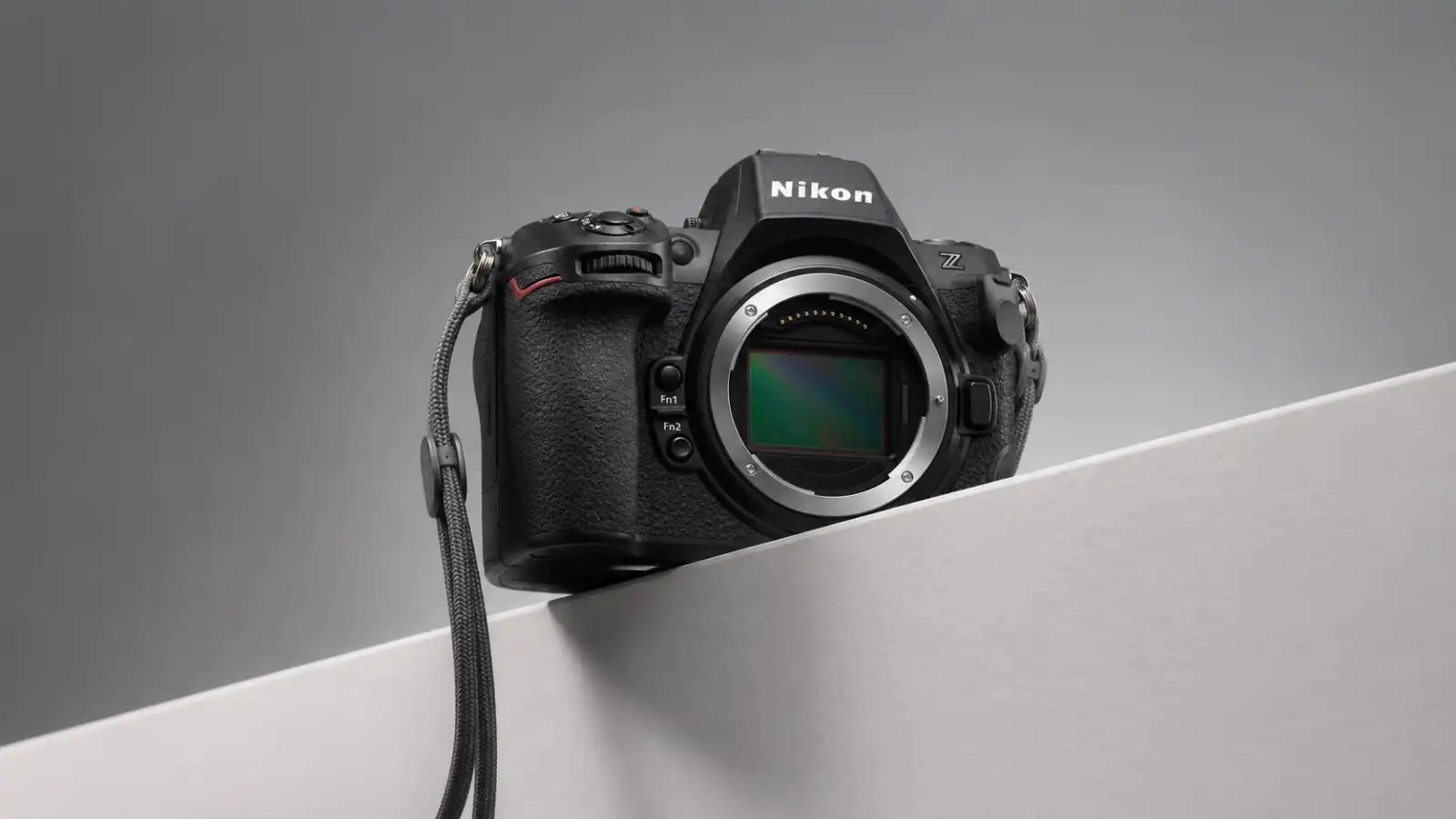
Quick Take
The Z8 has the stronger autofocus system.
The Z6III is still very capable for weddings, portraits, events, travel, and hybrid work. The gap becomes clearer when the scene gets fast, crowded, or unpredictable.
Subject Detection by Shooting Type
| Shooting Type | Better Choice | Why It Matters |
|---|---|---|
| Weddings | Z6III or Z8 | Both work well, but the Z8 gives more confidence in busy exits and movement. |
| Portraits | Z6III | Eye detection is strong enough, and you do not need the Z8 for simple portrait work. |
| Wildlife | Z8 | Better for small, fast, or blocked subjects. |
| Birds | Z8 | More useful when the subject moves quickly or enters from the edge of the frame. |
| Sports | Z8 | Better suited to crossing subjects and sudden direction changes. |
| Travel | Z6III | Lighter, simpler, and more than enough for people, street, and daily scenes. |
| Video/Hybrid | Z6III or Z8 | Choose Z6III for lighter work, Z8 for heavier action and pro video needs. |
Best AF Setup Advice
Do not leave every subject type active all the time. Set the camera for the job in front of you:
- People for weddings and portraits
- Animal or birds for wildlife
- Vehicle for motorsport
- Airplanes for aviation
This helps the camera focus on the right subject instead of jumping around in a busy frame.
Tracking In Busy Scenes
Do not leave every subject type active all the time. Set the camera for the job in front of you:
- People for weddings and portraits
- Animal or birds for wildlife
- Vehicle for motorsport
- Airplanes for aviation
This helps the camera focus on the right subject instead of jumping around in a busy frame.
Video Features and Heat Management
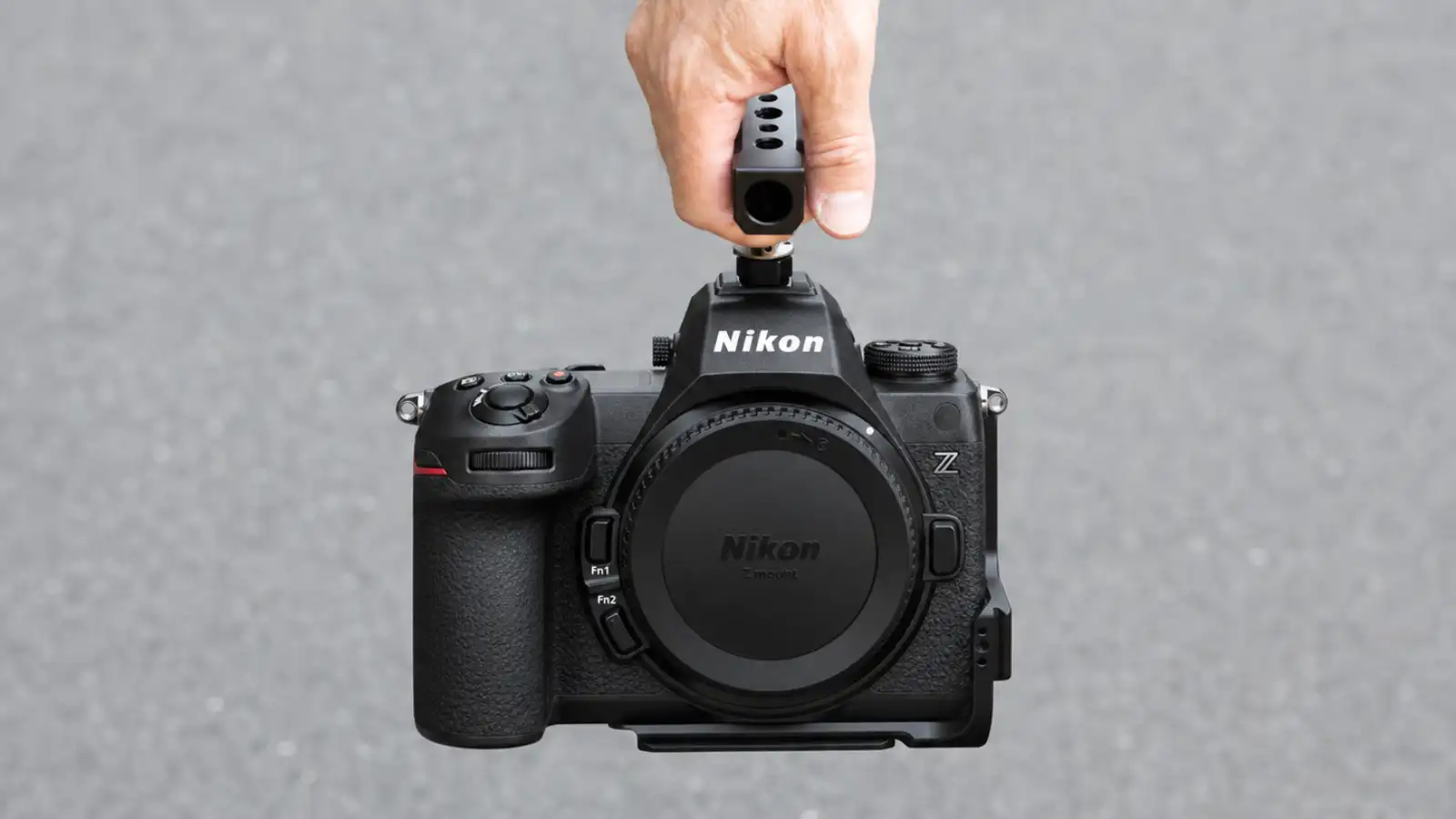
Quick Take
The Z8 is the stronger video camera. The Z6III is the easier hybrid camera for most shooters.
If you need 8K, heavy grading, or pro-level video options, the Z8 makes more sense. If you mostly shoot weddings, events, content, interviews, or social video, the Z6III is already very capable.
Video Specs Comparison
| Feature | Nikon Z6III | Nikon Z8 |
|---|---|---|
| RAW video | Up to 6K/60p | Up to 8.3K/60p |
| 4K slow motion | 4K/120p | 4K/120p |
| 10-bit video | Yes | Yes |
| N-Log / HLG | Yes | Yes |
| Best for | Hybrid creators, weddings, events | Pro video, 8K, heavy grading, commercial work |
8K vs Practical 4K
The Z8 gives you more video headroom. But 8K is not always practical.
It fills cards fast, needs more storage, and can slow down editing if your computer is not ready for it.
For most hybrid shooters, internal 4K 10-bit is the smarter daily format.
It gives strong quality without turning every project into a hardware problem.
N-Log vs HLG
Use N-Log if you want more control in colour grading. Use HLG if you need a faster HDR-ready workflow with less grading time.
For paid client work, N-Log gives more flexibility. For quick delivery, HLG can save time.
Heat and Long Recording
We did not run our own thermal stress test for this article. So we are not claiming exact overheating times. In real use, heat depends on:
- room temperature
- humidity
- codec
- resolution
- frame rate
- card type
- battery level
- recording length
The Z8 has the stronger video body, but 8K and high-bitrate RAW will always create more heat and heavier files.
The Z6III is easier to manage for normal 4K work.
External Recorder
Most shooters do not need an external recorder right away. Use internal recording first unless you need:
- longer monitoring setup
- client-facing production workflow
- external SSD recording
- specific ProRes workflow
- easier editing pipeline
If your laptop struggles with 8K N-RAW, use proxies before buying more gear.
Editing Hardware Check
Before choosing the Z8 for video, check your computer. You may need:
- fast NVMe storage
- strong GPU support
- at least 32GB RAM
- large backup drives
- proxy workflow for 8K
The Z6III is lighter on storage and easier for smaller editing setups.
Best Choice for Video
Choose the Z8 if you need 8K, heavy grading, commercial video, or high-end hybrid work.
Choose the Z6III if you want strong 4K, lighter files, easier editing, and a more practical hybrid workflow.
Ergonomics, Handling, and Build Quality
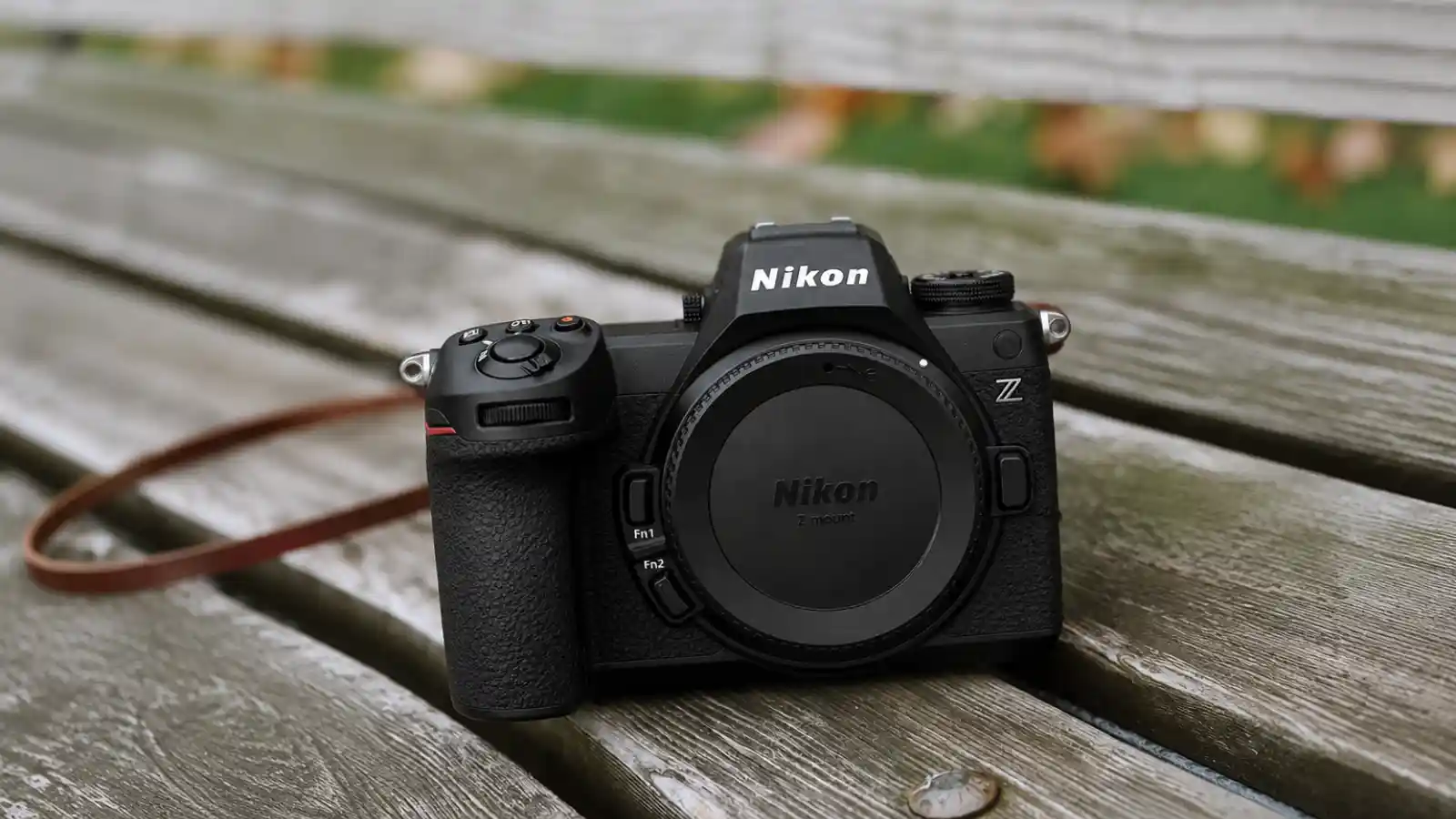
Quick Take
The Z8 feels more serious. The Z6III is easier to carry.
That is the handling difference most shooters will feel first.
Size and Weight
The Z8 weighs about 910g with battery and card.
The Z6III is about 760g, so it saves around 150g before you add a lens.
That may sound small, but during a ten-hour wedding, travel day, or wildlife walk, lighter gear starts to matter.
| Area | Nikon Z6III | Nikon Z8 |
|---|---|---|
| Body feel | Compact and lighter | Bigger and more pro-style |
| Long events | Easier on wrist and neck | More solid, but heavier |
| Travel bags | Easier to pack | Needs more space |
| Gimbal use | Easier to balance | Heavier setup |
| Big lenses | Good, but smaller grip | Better balance with heavy glass |
| Vertical shooting | Better with optional grip | Stronger with optional pro grip |
Buttons and Controls
The Z8 gives more direct control. That helps when you often change AF mode, drive mode, video settings, or custom buttons during paid work.
The Z6III is cleaner and simpler. It is easier to carry, but you may depend more on custom shortcuts.
Weather Sealing
Both cameras are built for serious use. The Z6III is lighter, but Nikon still rates its dust and drip resistance at the same level as the Z8.
Still, weather sealing is not waterproofing. For heavy rain, dust, or long outdoor work, use a rain cover and protect the ports.
EVF and Manual Focus
The Z6III has the sharper finder on paper with a 5760k-dot EVF.
The Z8 uses a 3690k-dot finder, but still feels strong for action and professional work.
If you use manual focus, focus peaking, or adapted lenses, use the highest-quality EVF setting on either body. Default finder settings can hide small focus errors.
Long-Shoot Comfort
Choose the Z6III if you shoot weddings, travel, events, or handheld video for long hours.
Choose the Z8 if you use heavy telephoto lenses, shoot wildlife, or want a body that feels more stable with larger glass.
The Z6III saves your wrist. The Z8 gives more grip confidence.
Real-World Workflow Simulation
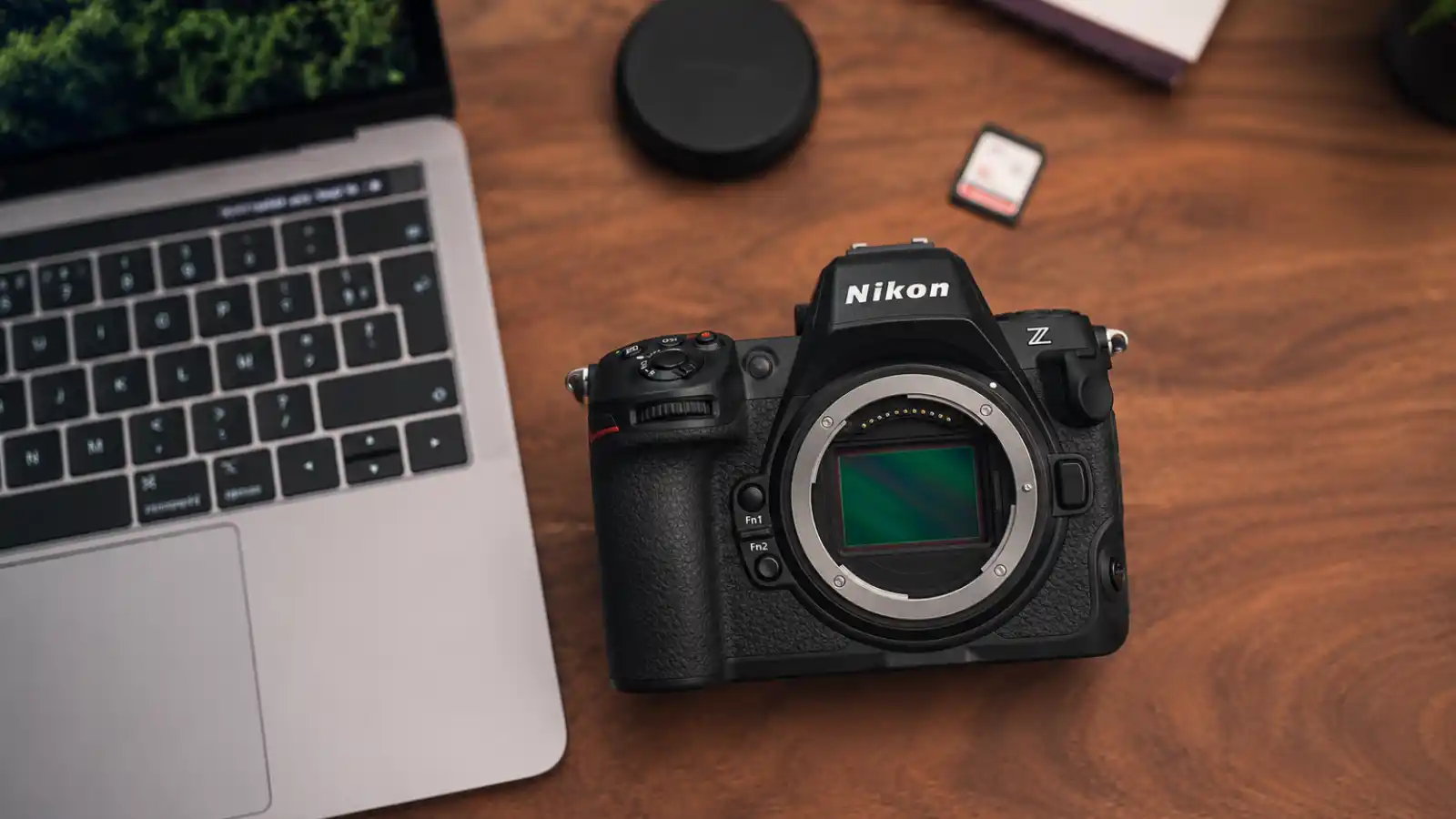
Quick Take
This is where the Nikon Z6III vs Z8 difference becomes real.
The Z8 gives you bigger, more detailed files. The Z6III gives you a lighter, faster workflow.
That matters after the shoot, when you are moving files, building previews, backing up drives, and trying to deliver on time.
How to Read This Section
We did not shoot our own dual-camera assignment for this article.
So instead of claiming a real event log, this section explains how both cameras would affect a typical wedding, event, wildlife, or commercial workflow based on file size, resolution, card use, battery planning, and editing load.
Simulated Assignment Setup
For a fair workflow comparison, both cameras should be used with:
- same lens type
- same exposure settings
- same white balance
- same firmware
- similar card class
- same editing software
- same backup method
Then you track what actually slows you down:
- card usage
- battery drain
- buffer delays
- ingest time
- Lightroom preview speed
- backup size
- storage cost
File Handling and Card Pressure
The Z8 creates larger files, so it fills cards faster and needs more storage.
The Z6III is easier to manage because its 24.5MP files are smaller, quicker to transfer, and lighter on your editing system.
| Workflow Area | Nikon Z6III | Nikon Z8 |
|---|---|---|
| File size | Smaller | Larger |
| Card use | Easier | Heavier |
| Ingest speed | Faster | Slower on big shoots |
| Lightroom load | Lighter | Heavier |
| Backup size | Smaller | Larger |
| Best for | Fast delivery | Maximum detail |
Battery and Long-Shoot Planning
Both cameras need spare batteries for long jobs.
The Z8 needs more planning if you shoot heavy bursts, long video clips, or full-day hybrid work. The Z6III is simpler for weddings, events, travel, and fast client delivery.
For either body, turn off wireless features when you do not need them. Small settings can save power during long shoots.
Hidden Workflow Costs
The Z8 does not just cost more at checkout. It can also increase your cost through:
- larger memory cards
- more backup drives
- bigger cloud storage plans
- slower editing
- stronger computer needs
- longer archive time
The Z6III gives less crop room, but it keeps the whole workflow lighter.
Z6III vs Z8 Storage Cost Calculator
Estimate yearly storage cost using camera specs, monthly shooting volume, backups, cloud cost, and hard drive cost.
| Camera | Estimated Yearly Storage | Estimated Yearly Cost |
|---|---|---|
| Nikon Z6III | - | - |
| Nikon Z8 | - | - |
| Difference | - | - |
Results are estimates. Real file sizes can change with RAW compression, codec, bitrate, frame rate, card format, and camera settings.
Bottom Line
Choose the Z8 if you need maximum detail, heavy cropping, wildlife reach, or commercial flexibility.
Choose the Z6III if you shoot high-volume work and care about faster ingest, lighter storage, and smoother delivery.
The Z8 gives more file. The Z6III gives more breathing room.
Price, Value, and Total Cost of Ownership
Body Price
At the time of writing, the Z6III body is usually around the $2,000 range in the US, while the Z8 sits closer to the $3,500 range.
That is roughly a $1,500 gap before tax, cards, batteries, drives, or software storage.
So do not compare body price only. Compare the whole system.
Card and Storage Cost
Both cameras can use CFexpress Type B and SD cards, but the Z8 benefits more from fast CFexpress media if you shoot heavy bursts, 8K video, or RAW video.
The Z6III can be easier to run on a lighter card setup for normal photo, wedding, event, and hybrid work.
| Cost Area | Nikon Z6III | Nikon Z8 |
|---|---|---|
| Body price | Lower | Higher |
| File size | Smaller | Larger |
| Card pressure | Lighter | Heavier |
| Storage use | Lower | Higher |
| Backup cost | Lower | Higher |
| Computer demand | Easier | Stronger setup needed |
Hidden Editing Cost
This is the part buyers forget. The Z8’s 45.7MP files can mean:
- larger Lightroom catalogs
- slower preview building
- more backup space
- faster SSDs
- more RAM
- bigger archive drives
The Z6III’s 24.5MP files are easier to manage if you shoot high-volume weddings, events, portraits, or travel jobs.
The Z8 gives more file. The Z6III gives less friction.
Simple Storage Cost Formula
Use this rough formula:
monthly photos × average RAW file size × 12 × backup copies
Then add your cloud storage or hard drive cost.
Example:
| Example Wedding Shooter | Z6III Estimate | Z8 Estimate |
|---|---|---|
| Photos per month | 5,000 | 5,000 |
| Average RAW size | 30MB | 60MB |
| Monthly RAW storage | 150GB | 300GB |
| Yearly RAW storage | 1.8TB | 3.6TB |
| With 2 backups | 3.6TB | 7.2TB |
This is why megapixels become a money issue. The Z8 may double your storage needs depending on RAW settings and shooting volume.
Cloud and Archive Planning
Cloud backup sounds cheap until your archive grows. If you shoot paid jobs every month, plan for:
- local working SSD
- separate backup drive
- cloud backup
- cold storage for finished jobs
Keep current jobs on fast SSDs. Move delivered jobs to cheaper long-term drives. Do not let every old shoot sit inside your active Lightroom workflow forever.
Used Z6II or Z7II Context
A used or discounted Z6II or Z7II can look tempting if your budget is tight.
But they are not direct replacements for the Z6III or Z8 in autofocus, speed, video, and modern hybrid workflow.
Buy them for savings, not because they match the newer bodies.
Best Value Decision
Choose the Z6III if you want strong full-frame performance with lower total cost.
Choose the Z8 if the extra resolution, crop latitude, speed, and pro features will actually earn money or save shots you cannot repeat.
The Z8 is better if your work needs it. The Z6III is better if your workflow needs breathing room.
Who Should Buy Which Camera?
Quick Recommendation
Choose the Z6III if you shoot weddings, events, portraits, travel, or hybrid content and want a lighter body with smaller files and faster delivery.
Choose the Z8 if you shoot wildlife, sports, commercial studio work, or anything where cropping, detail, and high-resolution files matter.
Best Fit by Photographer Type
| Example Wedding Shooter | Z6III Estimate | Z8 Estimate |
|---|---|---|
| Photos per month | 5,000 | 5,000 |
| Average RAW size | 30MB | 60MB |
| Monthly RAW storage | 150GB | 300GB |
| Yearly RAW storage | 1.8TB | 3.6TB |
| With 2 backups | 3.6TB | 7.2TB |
Bottom Line
The Z8 is the better camera if extra detail will help you earn more or save shots you cannot repeat.
The Z6III is the smarter buy if you need comfort, speed, lower storage cost, and a smoother workflow.
Conclusion: Which One Actually Earns Its Price?
The best choice is not about the bigger spec sheet. It is about your workflow.
Choose the Z8 if you need more resolution, more crop room, and stronger pro headroom.
Choose the Z6III if you want lighter files, faster editing, lower storage cost, and easier all-day handling.
The real trade-off is simple: detail, storage, and weight.
Before you buy, check your main shooting style, your computer, and your storage budget. That will tell you which Nikon body actually earns its price.
About HZ Lens Lab
HZ Lens Lab is run by two sisters, Zainab and Humna Khursheed, who are passionate about photography, nature, and cameras. We create research-based guides. comparisons, and reviews using real user experiences.
Our goal is to help beginners, enthusiasts, and professionals make smart decisions when buying cameras and accessories.
We focus on honest advice, detailed comparisons, and actionable recommendations, so you can spend more time capturing great moments rather than guessing which gear to buy.
Review Methodology
At HZ Lens Lab, we select cameras based on real-world user feedback, research, and majority consensus. Every camera is evaluated for:
- Image quality – sharpness, color accuracy, low-light performance
- Autofocus – speed, tracking, and reliability for photos and video
- Ergonomics – handling, comfort, and practical use
- Lens ecosystem – available lenses, upgrade path, and versatility
- Value for money – cost vs features, and long-term usability
We study product specifications, expert opinions, buyer reviews, and repeated user feedback patterns to understand what most real users experience. We do not claim hands-on testing unless we have personally used the product.
We prioritize practical performance over just specs, so our recommendations help you choose a camera that truly fits your photography style and needs.
Other Posts
No posts found!